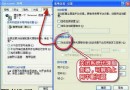
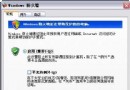
在登錄檔 HKEY_LOCAL_MACHINE\System\CurrentControlSet\Control\Terminal Server\Licensing Core 下,將 DWORD 值 EnableConcurrentSessions 設為 1,即可允許額外用戶透過遠端桌面登入與本地用戶同時使用 XP。注意:需英文版 XP SP2 環境方可生效。
說明:此為註冊表單一鍵值修改,屬非官方支援功能,若需完整多用戶終端服務請改用 Windows Server 2003。操作前建議備份登錄檔。