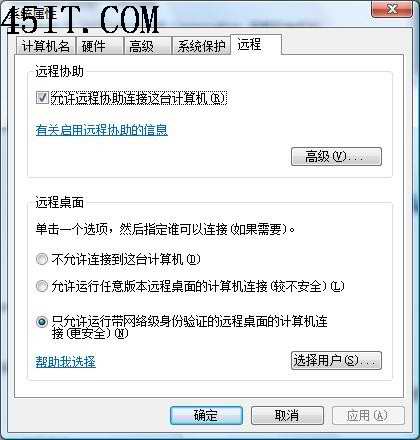
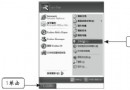
Windows XP SP3 更新遠端桌面至 6.1 版,理論上支援網路層級驗證 (NLA),但預設未啟用。Vista/Win7 預設僅允許 NLA 連線,導致 XP SP3 無法連線。透過修改登錄檔啟用 NLA 即可解決。
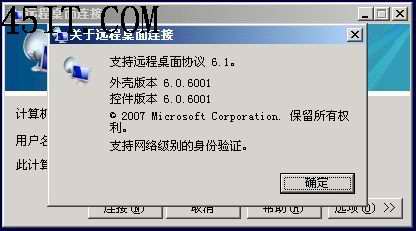
regedit。HKEY_LOCAL_MACHINE\SYSTEM\CurrentControlSet\Control\Lsa,右鍵 SecurityPackages → 修改,在數值資料末尾加入 tspkg(以空格分隔)。HKEY_LOCAL_MACHINE\SYSTEM\CurrentControlSet\Control\SecurityProviders,右鍵 SecurityProviders → 修改,在數值資料末尾加入 credssp.dll(以空格分隔)。重開機後,遠端桌面連線介面將顯示「支援網路層級驗證」。
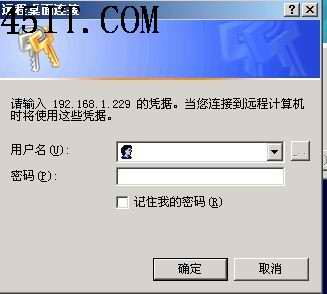
若出現「驗證錯誤 0x80090303」,原因在於 Kerberos 驗證要求使用 SPN (Service Principal Name),而 SPN 以電腦名稱註冊,**必須使用電腦名稱而非 IP 位址連線**。
C:\WINDOWS\system32\drivers\etc\hosts 加入 Vista/Win7 電腦名稱與 IP 對應。