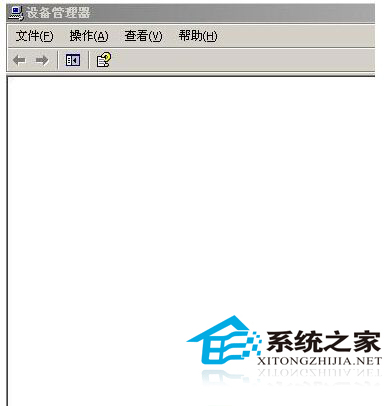
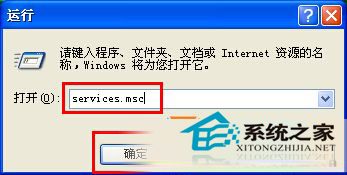
純淨版XP裝置管理員一片空白,因Plug and Play服務未啟動,此服務負責硬體偵測與列舉。
services.msc
服務啟動後裝置管理員即刻顯示所有硬體,無需重啟。
Absolute Uninstaller:批量卸載與無效項目修復的系統利器
WinXP 找回消失的「網路芳鄰」圖示:兩大標準恢復法
WinXP 移動硬碟提示「磁碟受寫入保護」三大解除方案
關閉 Windows XP「磁碟空間不足」彈窗提示的登錄檔技巧
告別找檔案煩惱:四大策略讓 Windows 自動歸檔、一眼找到目標
WinXP 滑鼠右鍵新增「複製到資料夾」「移動到資料夾」:登錄檔擴展內容選單
Windows XP 檔案搜尋失效?註冊表修復搜尋小幫手與 Shell32.dll 語言版本不符解決方案
WinXP 玩《劍靈》掉線率高怎麼辦?相容性模式設為 Windows 2000 提升穩定性