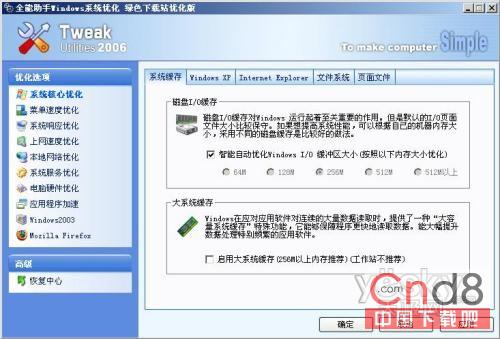
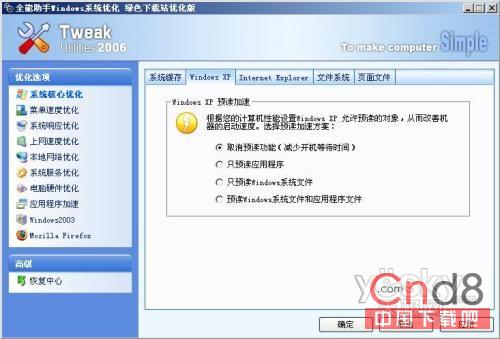
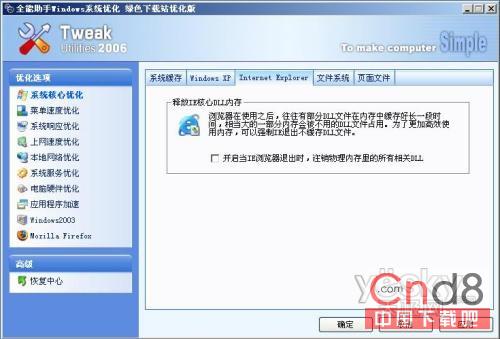
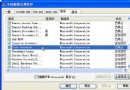
接續上集,使用「系統優化大師」進行核心深度優化:
按「套用」確認,續下集檔案系統與分頁檔設定。
Windows XP 安裝 SP1 失敗?替代方案:重命名 uplddrvinfo.html 修補漏洞
記事本神技:利用檔案關聯變更隔離病毒、恢復 EXE 執行與手動清除惡意程式
Windows XP 清除「自訂通知」殘留圖示:註冊表快速修復法
無需軟件:利用 Windows XP 自帶功能隱藏文件夾
分析師指稱 Windows XP SP3 可提升系統效能 10%
檔案刪不掉?Windows 系統無法刪除檔案的完整解決方案
刪除多餘管理員帳號:利用群組原則重命名內建 Administrator 解鎖刪除選單
Word 快速插入螢幕擷圖:金山影霸「存入剪貼板」+ Ctrl+V 秒貼上,免存檔免匯入