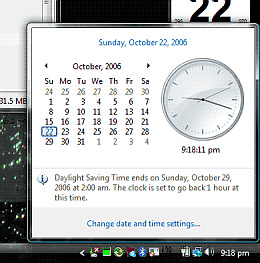
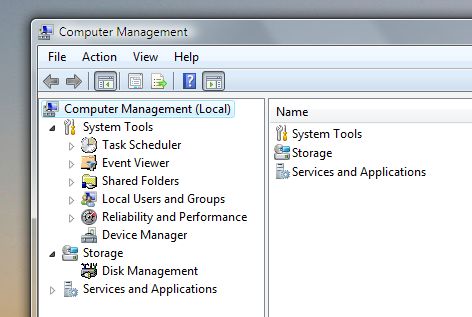
Vista 修改了日期時間設定的存取路徑。XP 中右鍵/點擊右下角時鐘可直接開啟「日期時間屬性」控制台,Vista 中此行為被移除。
微軟基於用戶實際使用行為調整:多數人點擊時鐘只是為看行事曆,XP 中常誤改時間造成困擾。新介面分離「檢視」與「設定」,避免誤操作。
Windows Vista 更新錯誤代碼完整對照與解決方案
Vista 繞過 UAC 直接啟用內建 Administrator 超級管理員帳號
Windows Vista 五大版本深度解析:版本複雜度與定價策略的爭議
Vista 優化四步走:啟動項瘦身、服務減肥、去殼特效、ReadyBoost 興奮劑
Vista 跑跑卡丁車無法遊玩/藍畫面?nProtect 核心驅動衝突解決方案
Windows Vista 安全模式完整應用指南
Vista 進入大量文件文件夾假死/CPU 100% 解決方案
解決關閉 UAC 後 Vista 側邊欄無法使用的問題