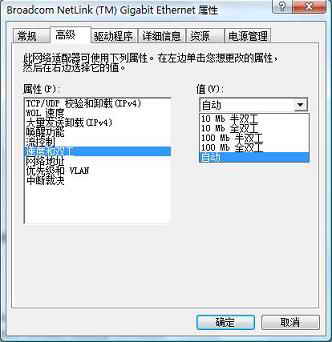
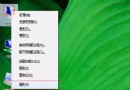
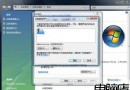
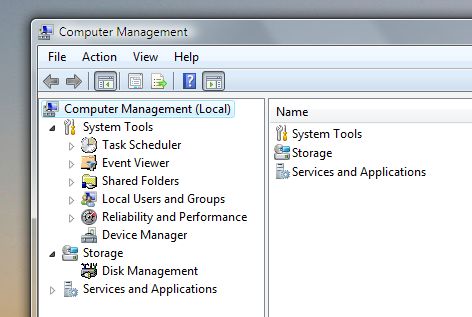
針對網卡協商失敗或需固定速率場景,Vista 可手動指定連接速度:
100 Mbps Full Duplex
適用於解決協商失敗導致的斷流、低速問題。
修改 Windows Vista「最近開啟項目」顯示數量
修復 Vista 開機報錯「Windows 資源管理器已停止工作」
在 Windows XP 上安裝 Vista 終端服務用戶端 (mstsc.exe) 完整步驟:支援寬螢幕、需 4 個核心檔案
Vista 系統隱藏檔案清理技巧:註冊表深度刪除
Vista 出錯自動重開機?兩招關閉自動重啟保留藍畫面代碼
Windows Vista 記憶體優化策略:視容量決定是否關閉虛擬記憶體、使用記憶體碟、啟用 Superfetch
解決 Windows Vista 更新 Windows Defender 錯誤 0x80240029
電腦能裝 64 位元 Windows 7/Vista 嗎?三招快速判斷 CPU 支援度與記憶體紅利