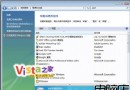
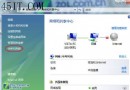
Vista 磁碟管理分區常出現「3 主分區 + 1 邏輯分區」怪象,甚至無法正常建立分區。提供分階段修復方案:
proxycfg –d (執行後確認)。net stop wuauserv → 重命名 C:\Windows\SoftwareDistribution 為 SDOLD → net start wuauserv。C:\register.bat 批次檔,內容為註冊 30+ 核心 DLL (urlmon.dll, shdocvw.dll, mshtml.dll, shell32.dll, wuapi.dll 等),執行該批次檔。net stop cryptsvc → 重命名 C:\Windows\System32\catroot2 為 oldcatroot2 → net start cryptsvc。此問題常由系統服務異常、更新元件損毀、第三方安全軟體干擾引起,分階段修復可逐層排除。