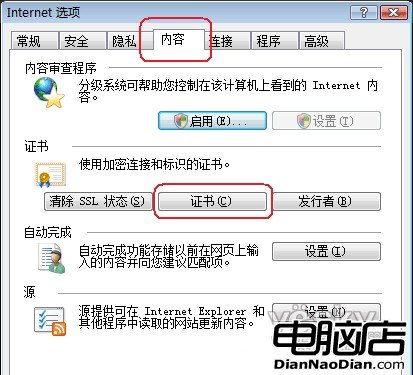
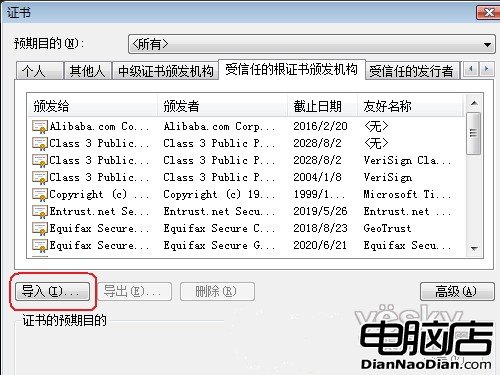
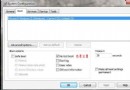
在 Windows Vista 下使用 IE7 瀏覽 HTTPS 網站時,有時會彈出「此網站的安全憑證有問題」錯誤。以下是解決步驟:
Windows Vista 22 類常見問題一站式解決方案大全
Windows Vista 實用小技巧:BCD 啟動項備份/重命名/超時、啟用 Administrator、關閉休眠、註冊表清理
解決 Vista/Win7 安裝軟體提示「無法存取 Windows Installer 服務」
Vista 防火牆進階設定全解析:10 大關鍵特性與實務應用
深度解析:Windows Vista 系統安全性究竟有多高?
一招解決 Vista 桌面找不到 IE7 圖示問題
Vista Windows Update 下載時「Windows 服務的主機程序停止運作」?安全模式刪除 Qmgr*.dat 修復 BITS 隊列
RAID 陣列安裝 Windows Vista 完整圖文教學