前幾天論壇有用戶反映 Vista 中所有 .exe 可執行程式無法運行,提示「檔案沒有與之關聯的程式來執行」。即使在「執行」視窗輸入程式也顯示「不支援的介面」。初步估計是病毒改了 exe 檔案關聯,於是新建一個用戶登入,一切正常。開啟註冊表編輯器,將 exe 檔案關聯鍵值導出,切回舊用戶雙擊導入 REG 檔,一切恢復正常。
Windows Registry Editor Version 5.00

[HKEY_CLASSES_ROOT\.exe]
@="exefile"
"Content Type"="application/x-msdownload"

[HKEY_CLASSES_ROOT\.exe\PersistentHandler]
@="{098f2470-bae0-11cd-b579-08002b30bfeb}"
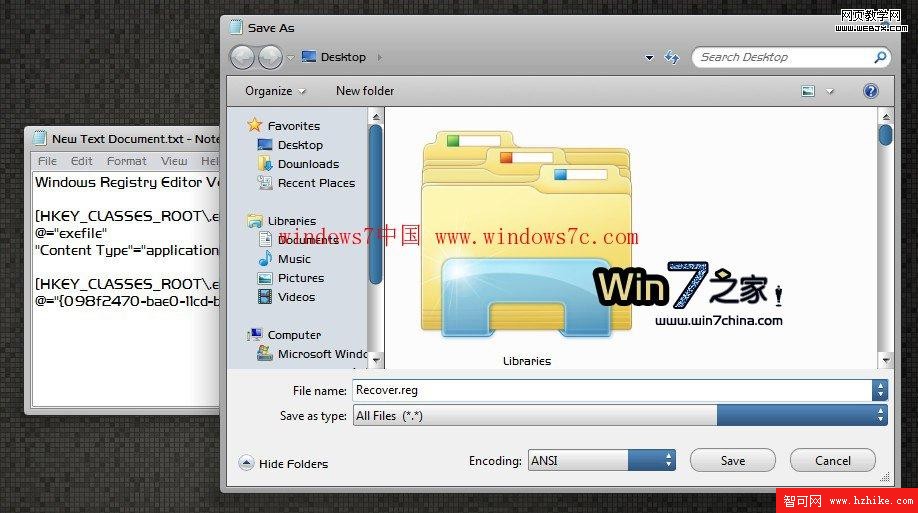
若你也遇到同樣問題,只需做以下幾步即可恢復:
XXX.reg 檔案