Windows XP Windows 7 Windows 2003 Windows Vista Windows 綜合教學 Linux 系統教學
Windows 10 Windows 8 Windows 2008 Windows NT Windows Server 電腦軟體教學
您现在的位置: Windows教程網 >> Windows教程 >  >> Windows 綜合教學 >> Windows 資訊

Windows 7 列印效能低落修復補丁 KB2295825 釋出

編輯:Windows 資訊

微軟近日發布熱修復補丁 KB2295825,終於解決 Windows 7 與 Windows Server 2008 R2 系統中存在的列印效能低落問題。

問題現象

根據微軟知識庫文章 KB2295825 說明,運行 Windows 7 或 Windows Server 2008 R2 的電腦,相較於 Windows Vista 或 Windows Server 2008 系統,列印效能差異顯著,且列印文件時可能佔用過多 CPU 資源,甚至導致 CPU 使用率長期維持在 100%。

根本原因

微軟解釋,問題源於 Windows 7 / Server 2008 R2 單處理器電腦在背景列印機制上存在缺陷。

適用範圍

此熱修復補丁適用於 Windows 7 及 Windows Server 2008 R2 所有版本:

  • Windows 7:32/64 位元、入門版、家庭基本版、家庭高級版、專業版、企業版、旗艦版
  • Windows Server 2008 R2:64/IA64 位元、Web 版、基礎版、標準版、資料中心版、企業版

取得方式

因屬熱修復補丁 (Hotfix) 而非一般更新程式,KB2295825 未公開發布。遇到此問題的用戶可點擊微軟支援頁面申請取得。
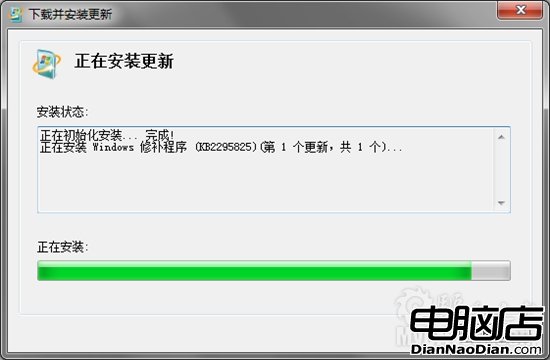
KB2295825 補丁資訊

Copyright © Windows教程網 All Rights Reserved