針對剛加入 Insider 計畫的用戶,整理 10 項入門必知:
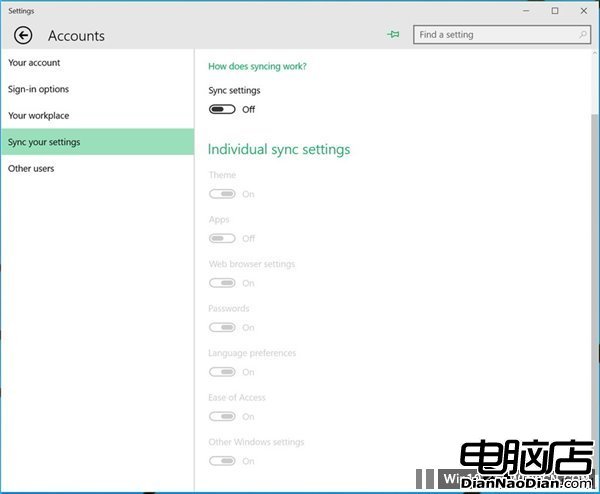
- 關閉同步:避免舊設定干擾測試環境。
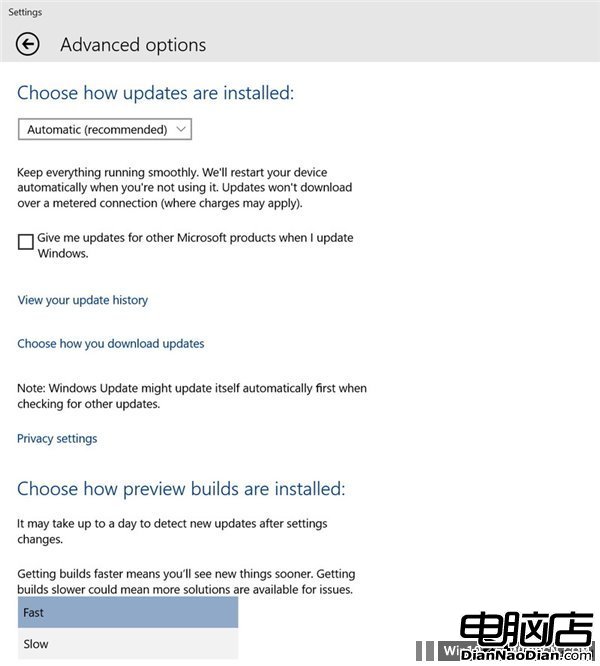
- 切換快速通道:搶先體驗新功能(預設慢速通道較穩定)。
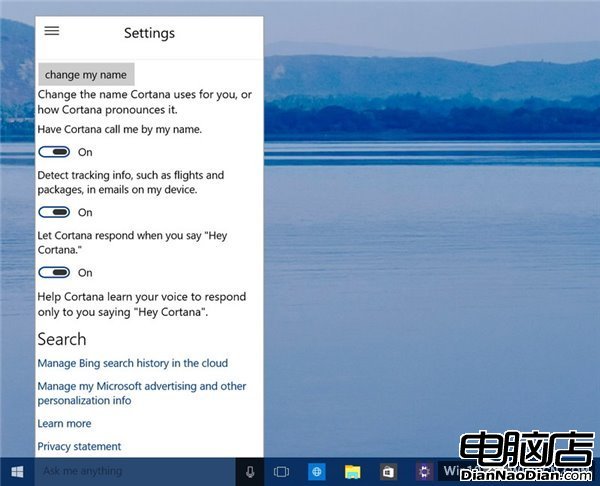
- 啟用 Cortana:點擊搜尋框允許,開啟「Hey Cortana」語音喚醒。
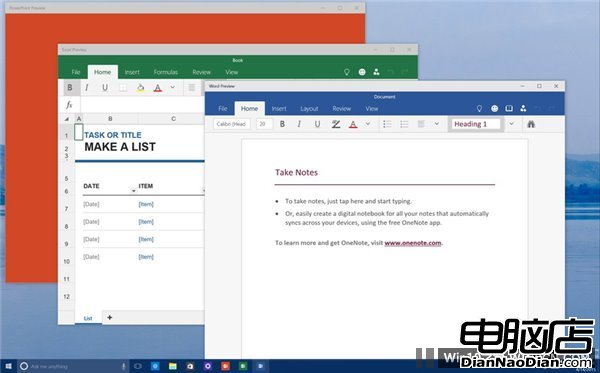
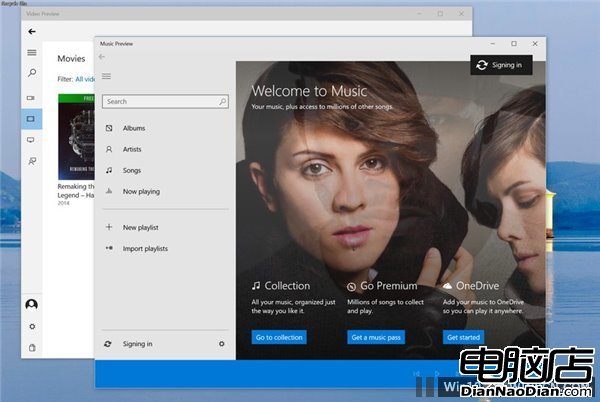
- 嘗試新版 Office、音樂、視訊應用:觸控版 Office 為通用應用,新版媒體應用需自行下載。
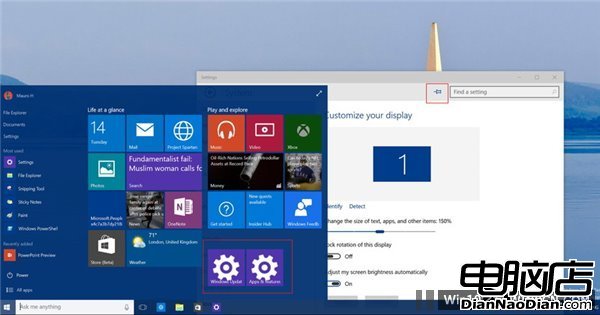
- 將常用設定釘選至開始選單:設定頁右上角大頭針一鍵固定。
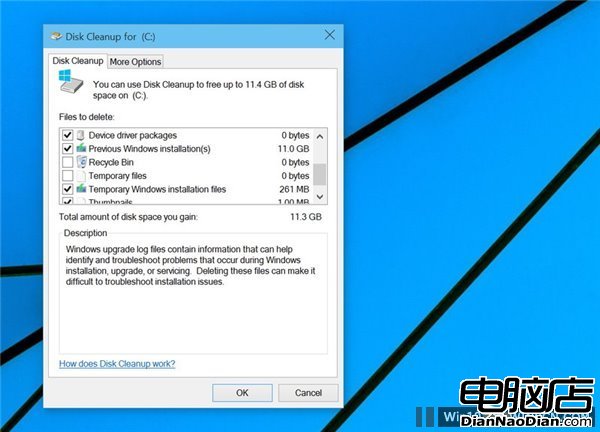
- 清理 Windows.old 回收磁碟空間:執行 cleanmgr.exe 勾選「之前的系統安裝」刪除(不可回滾)。
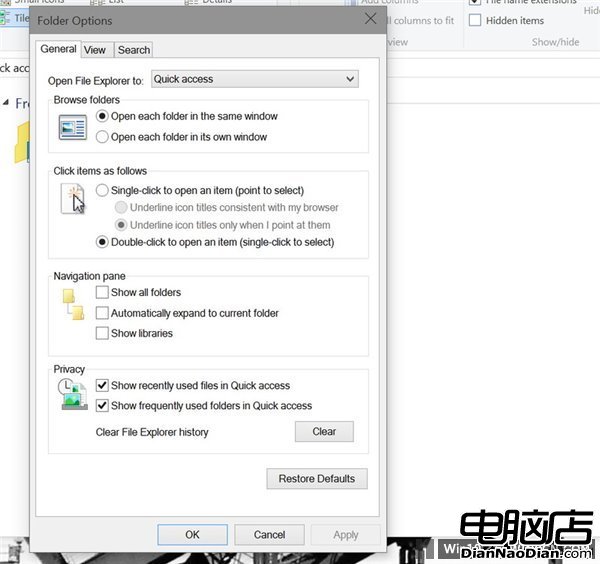
- 自訂檔案總管預設開啟位置:檔案總管 > 檢視 > 選項 > 設為「此電腦」。
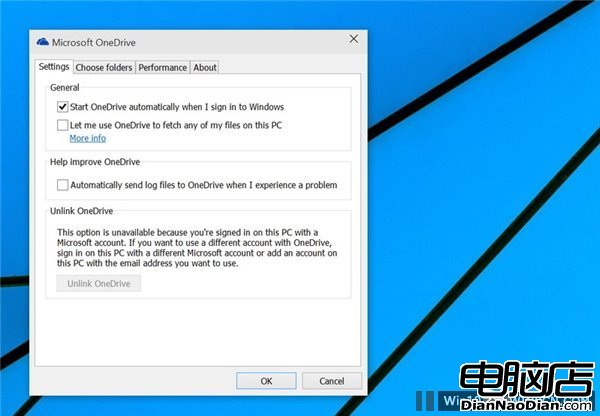
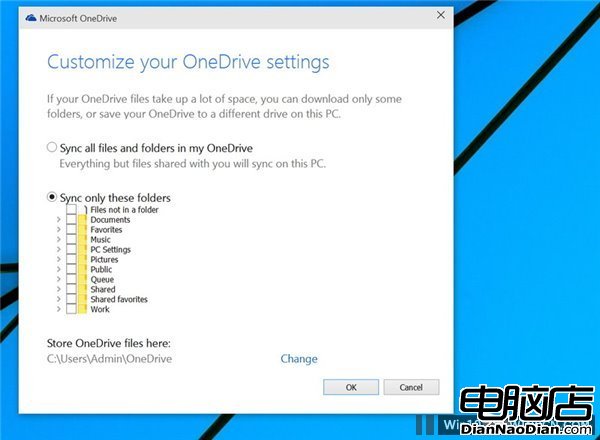
- 調整 OneDrive 同步範圍:避免預覽版同步所有雲端檔案佔用空間。
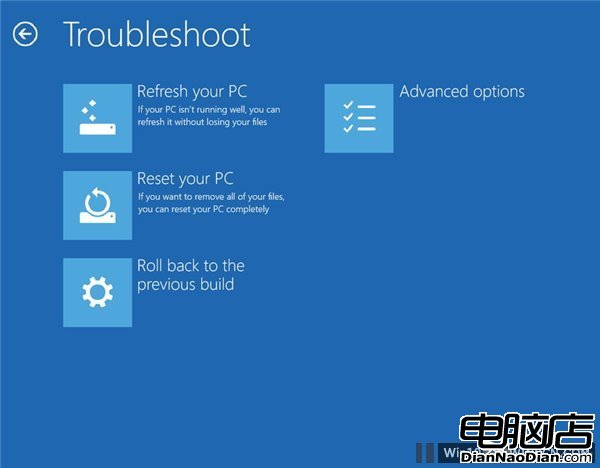
- 回滾至舊版本:設定 > 更新與安全 > 復原 > 回滾。
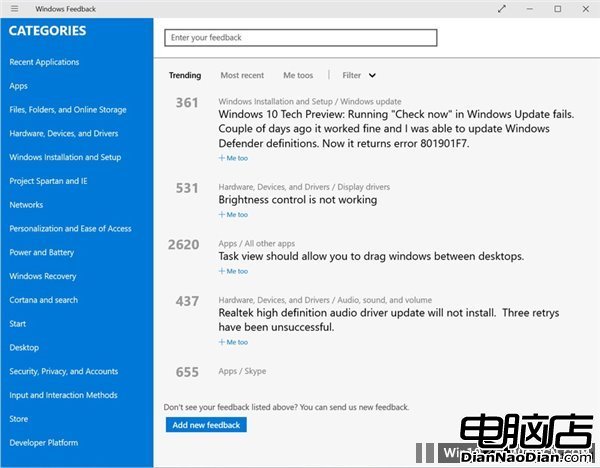
- 透過 Windows Feedback 回饋意見:搜尋既有建議按「Me Too」支持,或提交新建議。
建議雙系統或虛擬機體驗,勿作主力系統。