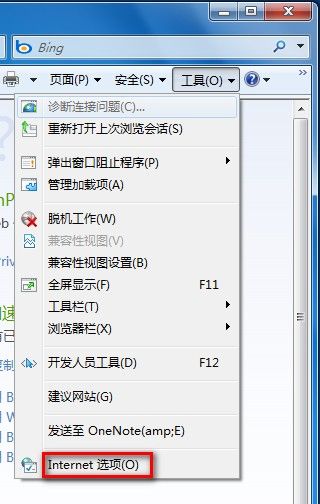
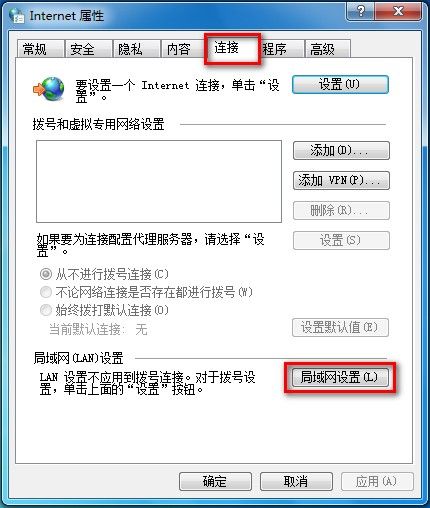
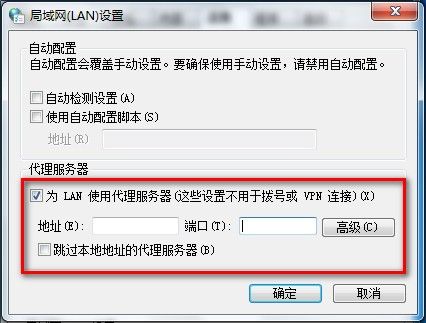
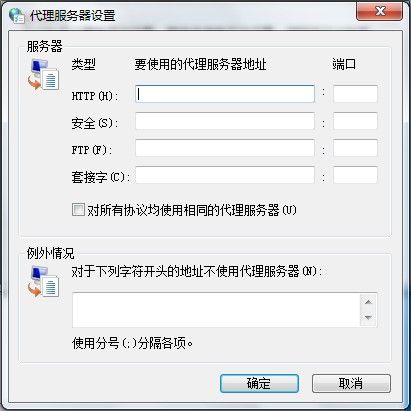
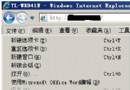
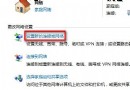
Win7 LAN Proxy 伺服器設定:
IE 瀏覽器「離線工作」模式解除教學:恢復正常上網
群組原則無法啟動?安全模式 MMC 掛載修復或復原控制台刪除 gpt.ini
筆記鍵盤打字變數字?一招關閉數字小鍵盤恢復正常
消除 Windows 開機錯誤提示的系統性排查與清除步驟
Windows 鍵高手必學:五大黃金組合鍵大幅提升操作效率
回收站運作機制深度解析:Recycled 資料夾、INFO2 索引、跨分區掃描、Shift+Del 差異
Windows 軟體安裝與移除入門:五大安裝模式、四步驟流程、組件管理全攻略
精確設定螢幕保護程式延遲時間:登錄檔突破分鐘限制達到秒級控制