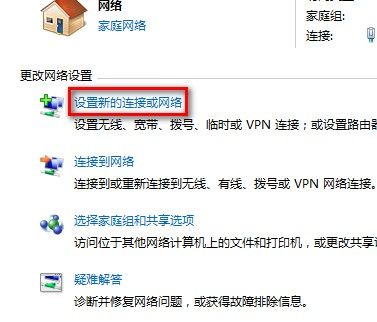
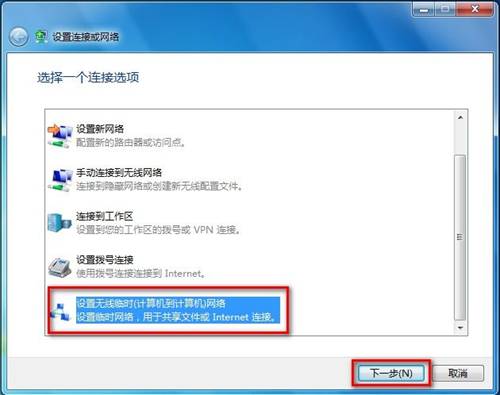
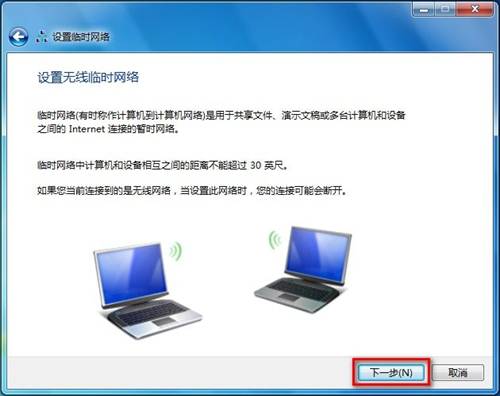
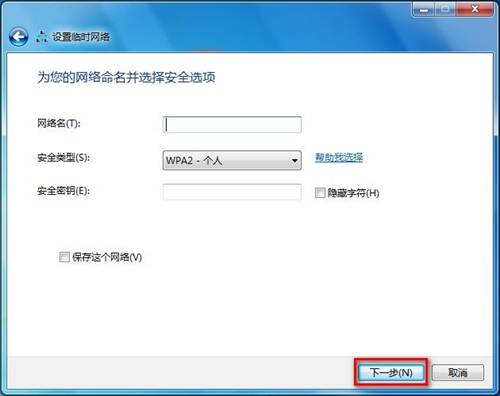
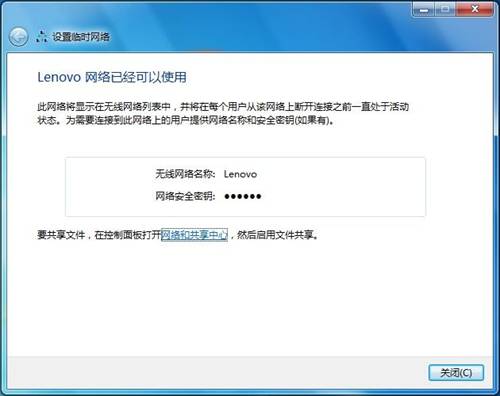
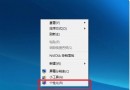
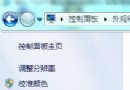
Win7 建立臨時無線網路步驟:
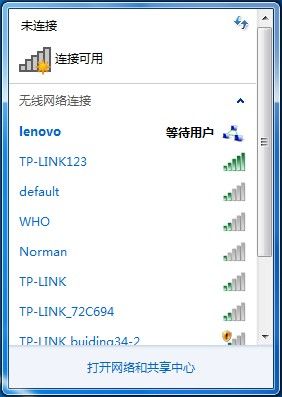
右下角無線圖示可查看臨時網路資訊。
高手必備:玩轉滑鼠拖放操作,效率不輸快速鍵
硬體資源衝突六步解:IRQ/DMA/I/O 衝突完整排除流程
知己知彼:Windows 系統目錄完整功能圖鑑(Win98/Me/2000/XP)
解決 winlogon.exe 進程佔用 100% CPU 的處理實錄
啟用 Windows 預設共享(Admin$/IPC$/C$ 等)註冊表修改法
Windows 全螢幕截圖黑屏?透過註冊表輕鬆修復
Windows 藍屏錯誤代碼完整對照表與排查指南
Windows 7 更換桌面主題:內建主題、線上下載、自訂主題建立、主題封裝分享