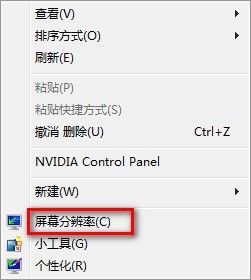
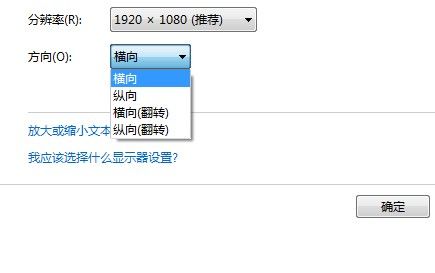
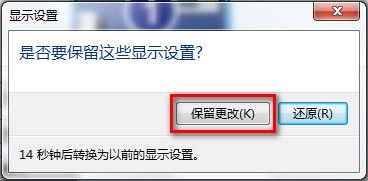
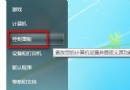
Win7 調整螢幕顯示方向步驟:
系統當機未備份資料怎麼辦?三招應急救援方案讓資料起死回生
筆記鍵盤打字變數字?一招關閉數字小鍵盤恢復正常
快速重開機五大絕招:告別繁瑣選單,一鍵搞定
工作管理員五大另類用法:隱藏桌面、手動調優先權、批次最小化、免登入切換使用者、發送訊息
微軟全系統隱藏帳號漏洞:利用智能 ABC 特殊字元建立不見的管理者
HyperSpace:Windows 啟動等待期的即時作業系統替代方案
Windows 7 修改地理位置 (位置設定):影響天氣、新聞、市場、搜尋結果的關鍵設定
重灌系統失敗九大原因剖析:版本檢查、防毒保護、硬碟密碼、重名目錄、磁碟空間誤判、升級版本錯誤、硬體過熱、擴展記憶體、硬體偵測卡住