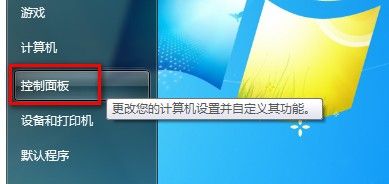
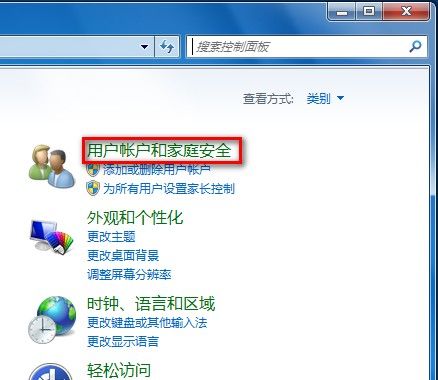
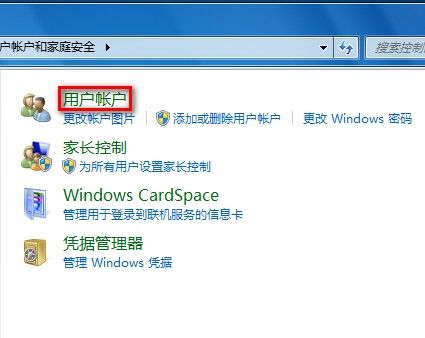
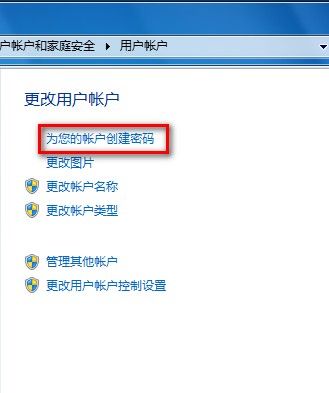
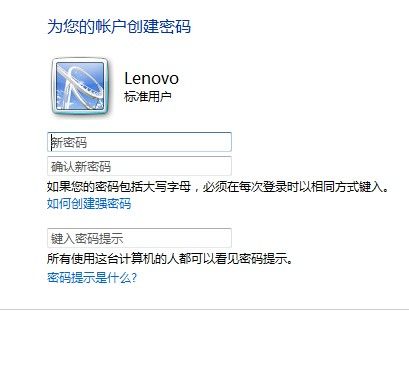
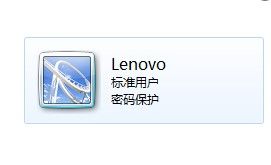
Windows 7 為使用者帳戶建立/變更/移除密碼的操作步驟:
Serv-U 隱藏帳號技巧:外部 DLL 驗證 + MDB 資料庫實現帳號與伺服器分離
找回遺失的「顯示桌面」快速啟動圖示:兩種極簡恢復法
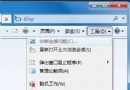
Win7 啟用/停用 IE8 彈出視窗攔截器:Alt+工具→彈出視窗攔截器→預設開啟,點「關閉攔截器」→是 即關閉;重新啟用同路徑點「啟用攔截器」→是
滑鼠拖曳手指酸?開啟「單擊鎖定」解放食指,拖移檔案零負擔
自製萬能光碟機中文啟動盤:跨越 DOS/Win9x/2000/XP 的完美解決方案
Windows 7 建立系統映像備份完整教學(下):硬碟、光碟、網路儲存全攻略
徹底清除軟體安裝殘留的臨時檔案與垃圾資料
筆電玩魔獸爭霸滑鼠延遲?顯示卡、螢幕、散熱三大關鍵解析