想搶先體驗 Windows 10?官方流程:加入 Windows Insider 計畫 → 下載 ISO → 製作 USB 開機碟 → 安裝(建議裝第二分區或虛擬機,預覽版不穩定)。
官方下載流程
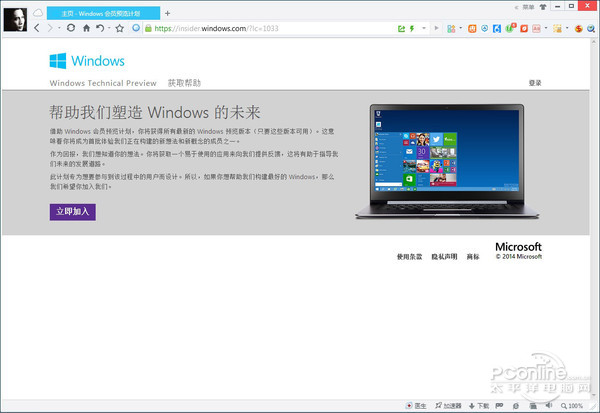
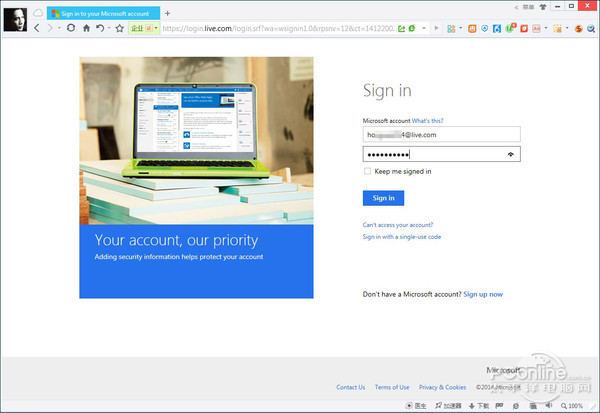
- 瀏覽 Windows Insider 網站,以 Microsoft 帳號登入。
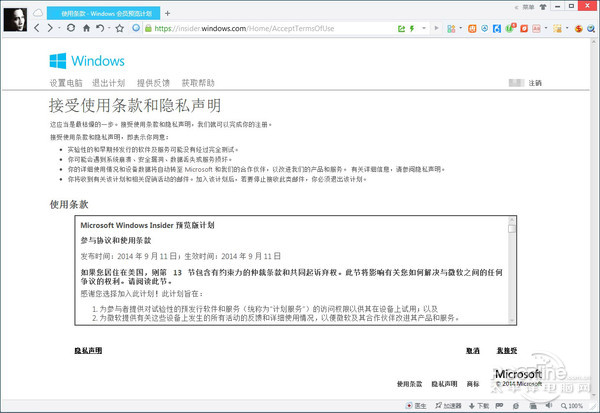
- 點「立即加入」接受授權條款。
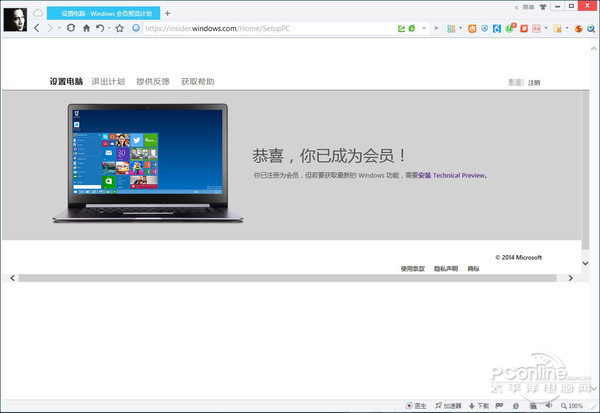
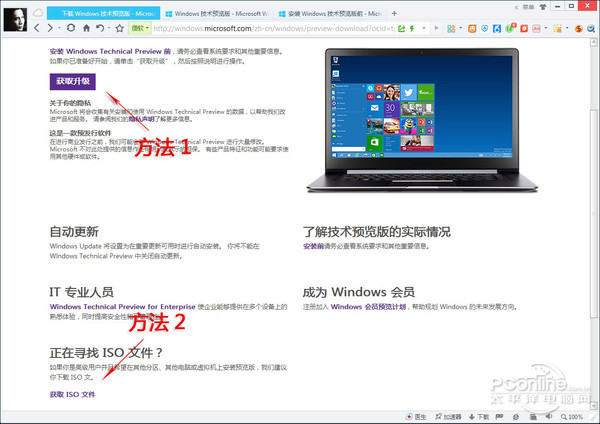
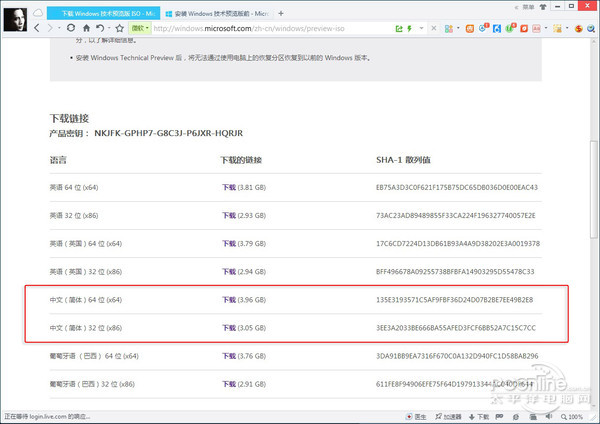
- 點「安裝 Technical Preview」進入下載頁:preview-iso。
- 選擇語言(英文/葡文/簡中)、架構(x86/x64),記下產品金鑰:
NKJFK-GPHP7-G8C3J-P6JXR-HQRJR。
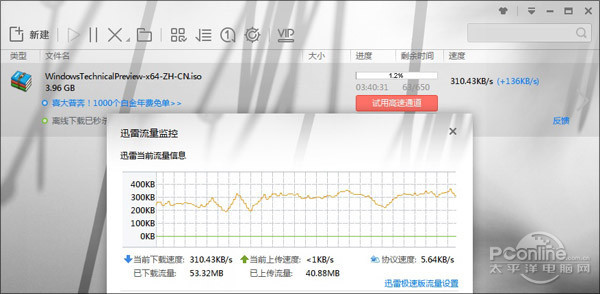
- 下載 ISO(簡中 x64 約 3.96GB,x86 約 3.05GB),迅雷速度約 300KB/s。
安裝建議
- 虛擬機:Hyper-V / VMware / VirtualBox 掛載 ISO 直接安裝。
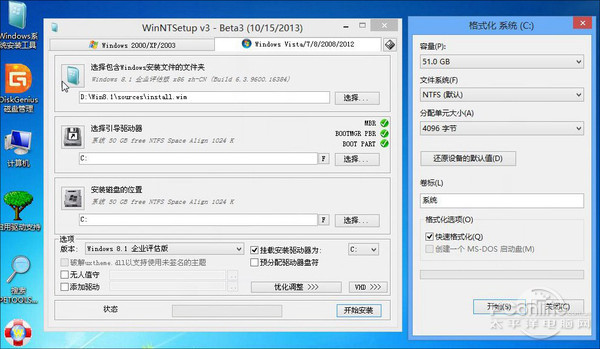
- 實體機:WinPE 環境下用 NT6 HDD Installer / WinNTSetup 安裝至次要分區,保留主系統安全。
- 注意:ISO 含兩版本(Technical Preview 可啟動、Consumer Preview 不可),安裝工具需手動選擇第一個版本。