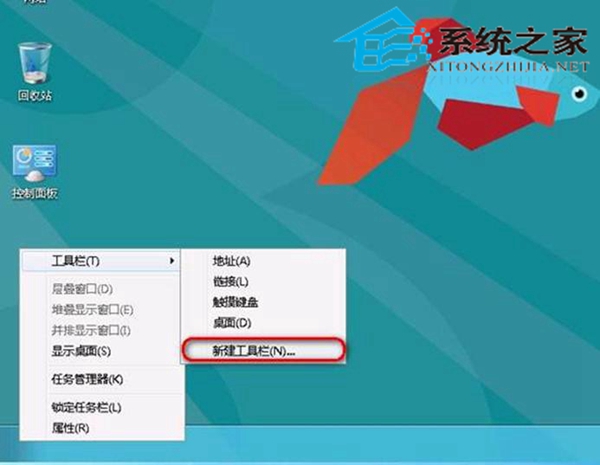
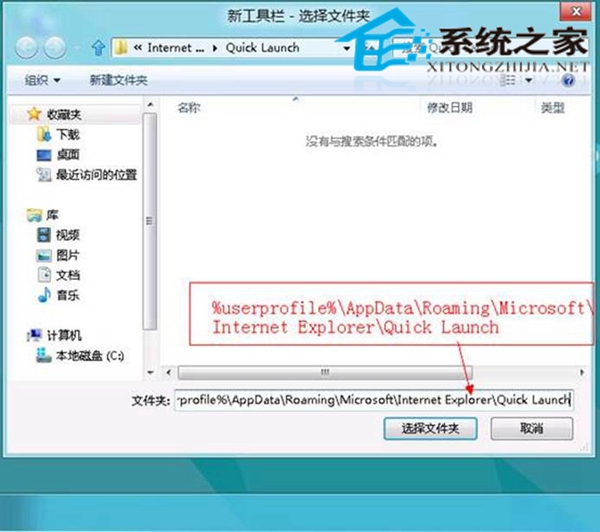
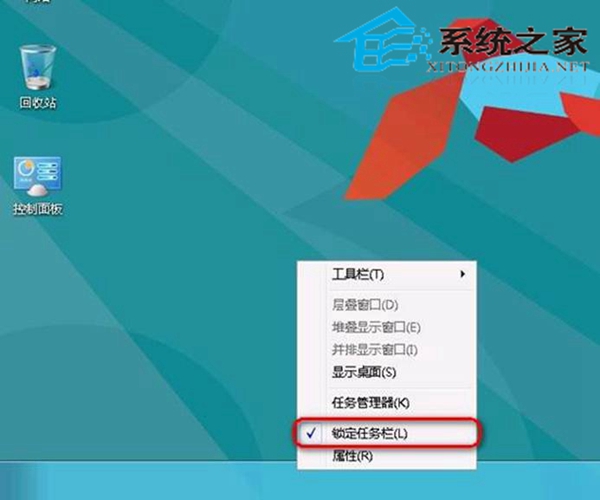
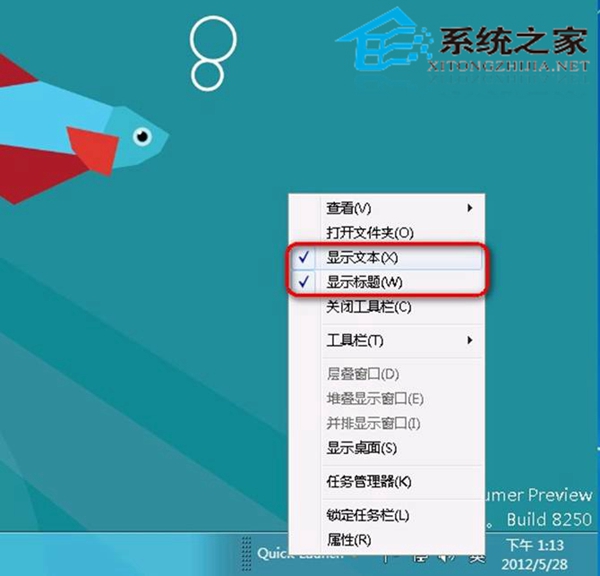
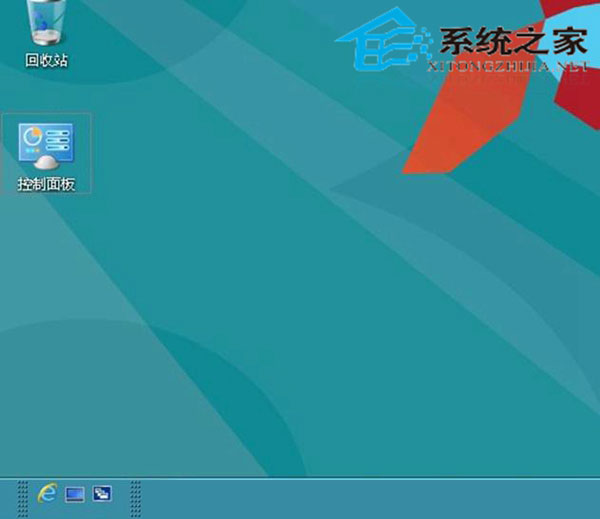
Windows 8 預設移除快速啟動工具列,但可透過「新增工具列」指向舊版快速啟動資料夾路徑,快速恢復經典體驗。
%AppData%\Microsoft\Internet Explorer\Quick Launch
C:\Users\使用者名稱\AppData\Roaming\Microsoft\Internet Explorer\Quick Launch
雖然下方留有少許空白,但不影響使用,完美喚回 XP/Win7 快速啟動習慣。
Windows 10 Build 10074 重大累積更新:修復六大 Bug、新增 Dolby Digital Plus 解碼器
Win10 Mobile 預覽版 10586.11 洩露 修復重啟循環問題升級界面曝光
Windows 內建 VPN 開機自動連線設定:捷徑放入啟動資料夾最簡單
Win7 系統下 RAR 壓縮檔損壞如何修復?完整教學與步驟解析
Win7 對決 Win10:功能、效能、遊戲實測全面評測,值得升級嗎?
Windows 7 運作中心完整指南:安全維護一站式管理
首批升級 Win10 的 Win7/Win8.1 用戶:降級期限已至(9月1日)
Windows 10 Build 10240 開發完成,將成最終正式發布版