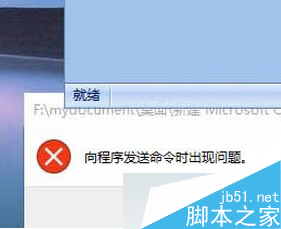
Windows 8.1 安裝更新提示成功需重開機,重開機過程卻顯示「更新失敗,復原作業」。解決流程:
wusa.exe /uninstall /kb:xxxxxxx (KB 號碼)。dism /online /cleanup-image /startcomponentcleanup。services.msc 停止 Windows Update 服務。C:\Windows\SoftwareDistribution\DataStore 內所有檔案。C:\Windows\SoftwareDistribution\Download 內所有檔案。
微軟官方釋出「升級 Windows 10 十大理由」系列影片:首支強調熟悉的開始選單與桌面體驗
Win 10 RTM 升級 Build 10525 預覽版四大注意事項:需具正版授權、免輸入金鑰
Win10 vs Win8 八大關鍵差異:開始選單回歸、視窗化現代應用、多桌面、任務檢視全解析
Windows 10 週年更新 14393.187 累積更新修復內容彙整
Win8 無線網卡驅動安裝失敗?兩招快速搞定:裝置管理員更新 / 驅動精靈類工具
Windows 10 解鎖全新 Modern 風格時鐘托盤:登錄編輯一鍵啟用