工作排程器 是 Windows 自動化運維的核心工具,可排定時間、事件觸發程式、批次檔、PowerShell 指令碼等。Win10 開啟路徑經典不變,三步直達。
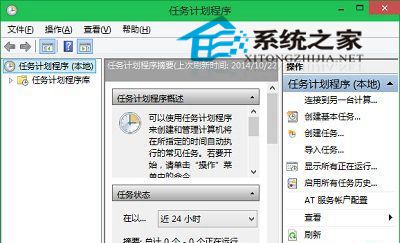
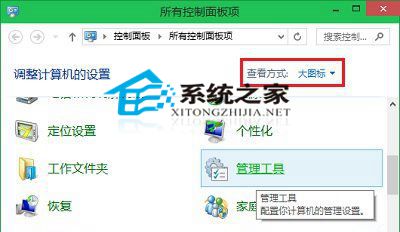
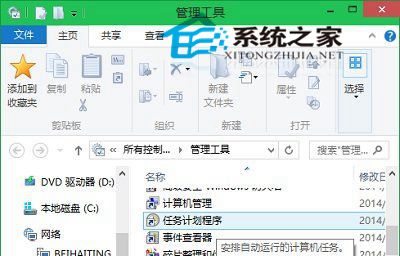
taskschd.msc → Enter。taskschd.msc。工作排程器介面雖樸素,功能極其強大,善用可大幅降低人工運維成本。
Win10 自動修復失敗「無法修復您的電腦」完整解決方案:系統還原與重置教學
Windows 8.1 IE11 無法開啟 QQ 空間?兩招修復 Internet 選項與相容性檢視
Windows 10 Build 10074 正式開放完整停用 Cortana 選項
Win7 最好用的啟用工具排行:小馬 OEM7、Windows 7 Loader、RemoveWAT 三大神器對比
Windows 10 Build 10074 已知 Bug 總整理:開發者模式無法開啟、遊戲全螢幕失效、通訊錄持續當機
Firefox 禁用 window.close() 限制:about:config 修改 dom.allow_scripts_to_close_windows