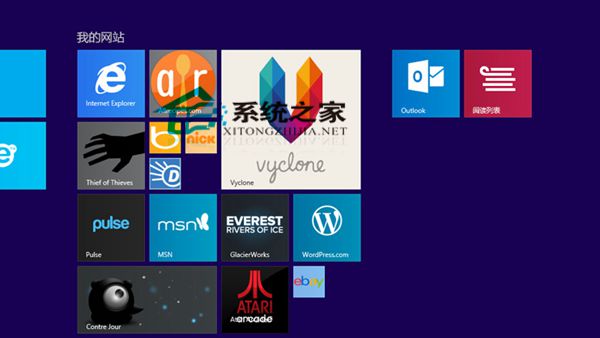
Win8.1 保留開始螢幕特色,網站可釘選為動態磚塊,不僅一鍵開啟,部分網站更能即時顯示最新通知。無數量限制,支援分組整理。
補充技巧:在應用程式列中點選「我的最愛」或「索引標籤」按鈕,可快速在收藏與開啟的分頁間切換。
WinXP 系統如何儲存螢幕截圖?內建畫圖工具快速上手教學
Windows 8 群組原則禁止 Metro 開始畫面應用程式被卸載
Win10 Mobile 10149 升級包含完整 Android 子系統:Project Astoria 核心組件曝光
Windows 10 內建現代應用程式完整移除教學:PowerShell 指令與圖示殘留清理
Windows 10 週年更新新問題:USB 攝影機無法正常運作,微軟正修復影像編碼變更導致的相容性問題
微软推送 Win10 Mobile 10166 开发者增强更新 非全版本升级
Win10 Mobile 預覽版 10240 模擬器圖賞:通知中心與介面細節
Windows 10 第三方主題包 Numix 下載:暗色風格極致體驗