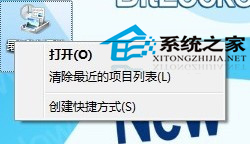
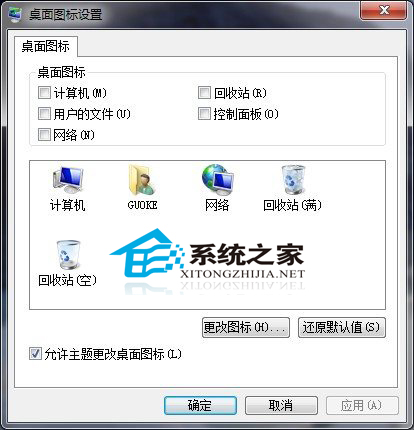
Win7 桌面出現「最近造訪位置」圖示,Delete 鍵無效、右鍵無刪除選項、桌面圖示設定也沒此項。神奇解法:
網友實測重新整理或重開機均有效。若誤刪桌面小工具,可參考《快速還原 Windows 7 桌面小工具》。
Win10 應用程式打不開/閃退怎麼辦?PowerShell 一鍵重置所有 Modern App 修復
Windows 7 調整視覺效果為最佳效能:透過系統進階設定關閉動畫與特效
Windows 7 開啟防火牆保護系統安全圖文教學
Win10 Mobile 週年更新新預覽版即將推送:唐娜姐預告「真正有趣的東西」
Windows 8.1 啟用遠端桌面:系統內容 → 遠端索引標籤 → 允許遠端連線完整步驟
Win10 磁碟機圖示出現兩個小人圖示?關閉磁碟共用移除教學
Win8.1 跨裝置同步應用程式資料無縫接續工作
Windows 8 免密碼自動登入設定:netplwiz 圖文教學