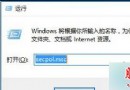
Win10 Build 9888/9901 隱藏新版登入介面,透過登錄檔啟用:
regedit → HKEY_LOCAL_MACHINE\SOFTWARE\Microsoft\Windows\CurrentVersion\Authentication\LogonUI\TestHooks。Threshold (DWORD) → 數值改為 1 → 確定。Threshold 改回 0。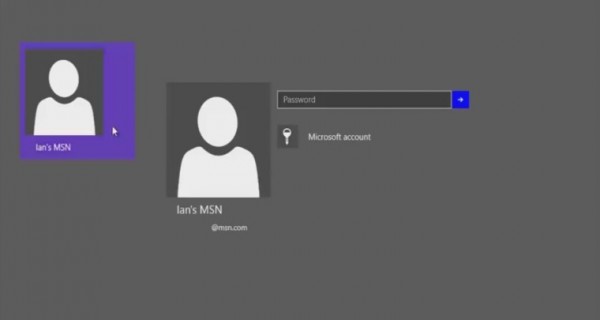
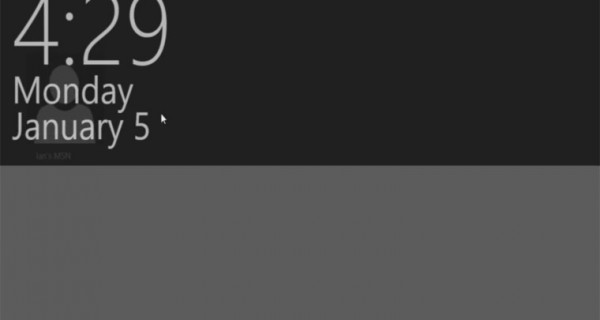
已知限制:新介面不支援多帳號切換,啟用後建立第二帳號會自動登入該帳號。單帳號使用無礙。動手能力強者可嘗試探索更多隱藏功能。
Windows 7 遊戲延遲問題解決:停用 Multimedia Class Scheduler 服務教學
Win7 寬帶連線錯誤 628「連線被遠端電腦終止」解決方案:調整 PPP 驗證協定設定
Win8.1 安裝 iTunes 11 失敗回滾?相容模式 + 管理員權限完美解決
Win10 安裝驅動程式藍屏 cmudaxp.sys 錯誤解決:更新相容驅動並封鎖自動更新
Win7 開機提示「A disk read error occurred」多重解法:檢查硬碟線序/壞軌、DiskGenius/Chkdsk 修復、PE 環境格式化 C 槽重裝
Win10/Win8.1 PC版 WhatsApp 更新:新增 Emoji 表情、圖片瀏覽分享、GIF 支持、聊天搜索、UI 提升