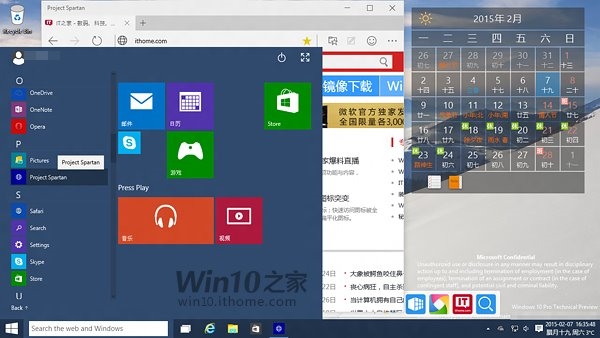
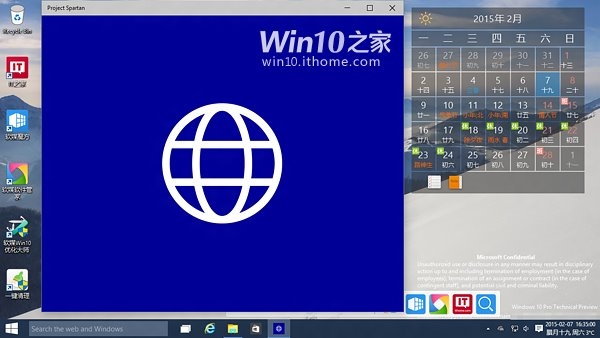
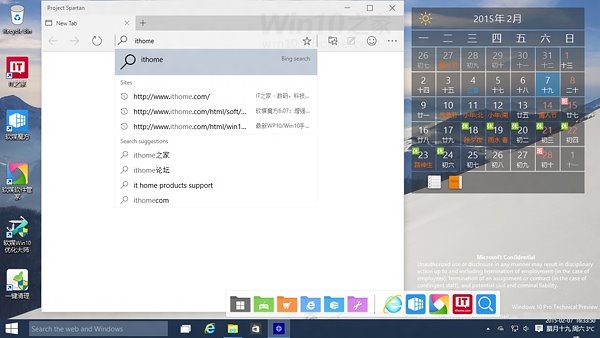
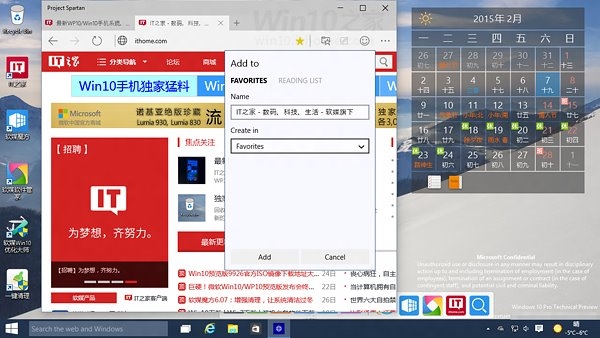
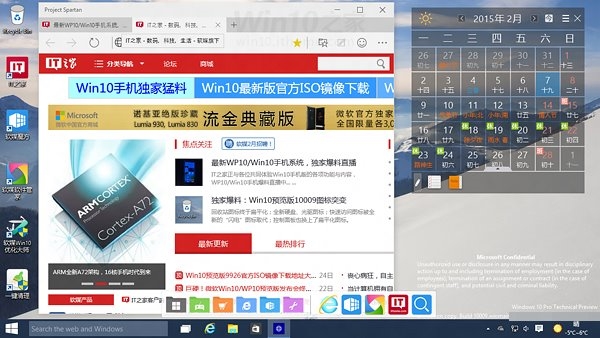
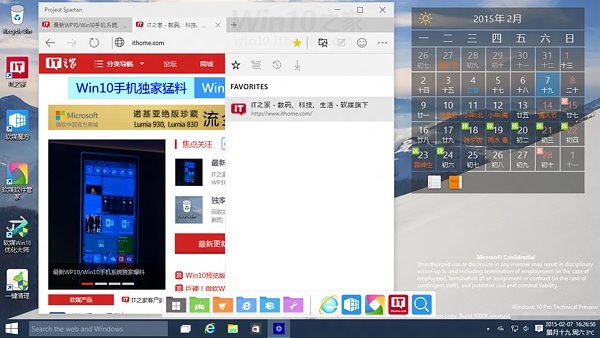
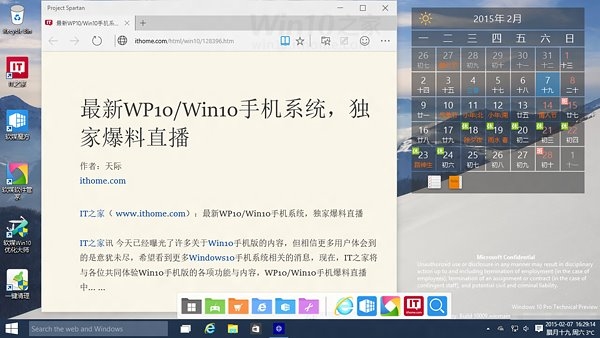
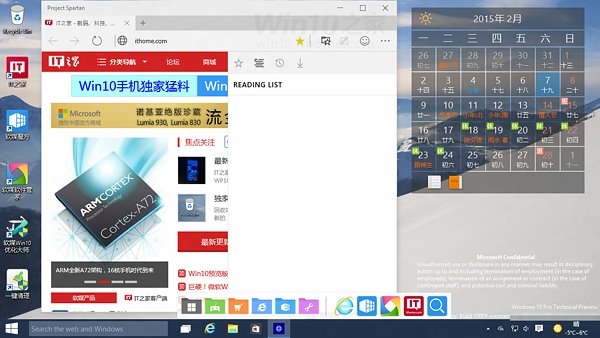
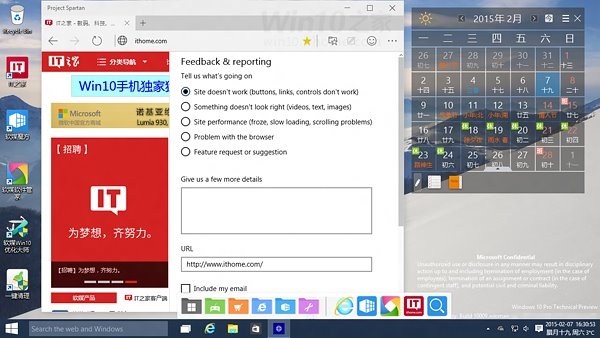
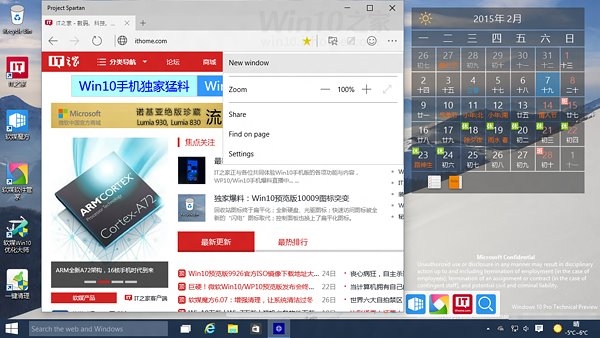
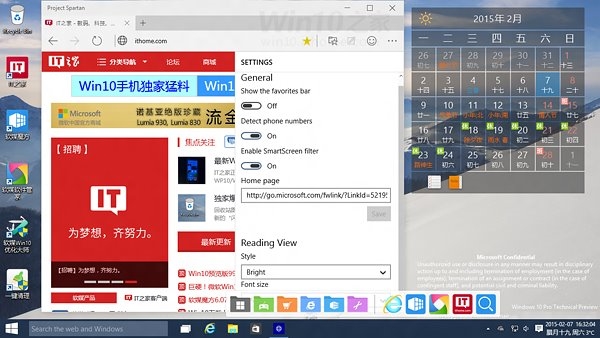
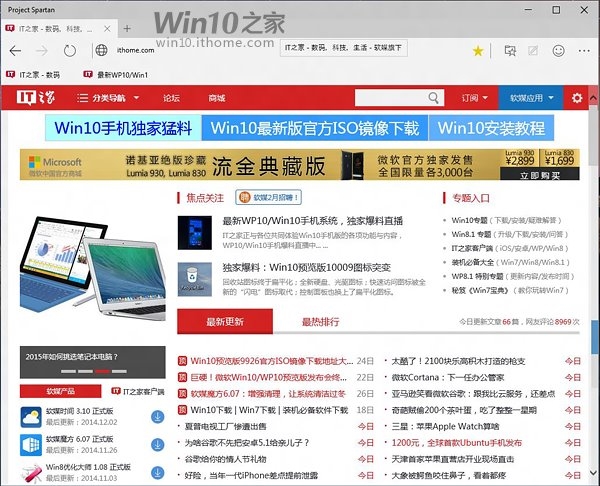
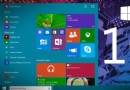
Windows 10 Build 10009 首度內建代號「Project Spartan」的全新瀏覽器,採用全新 EdgeHTML 引擎(非 IE Trident),效能大幅提升,並與 IE 11 共存以確保相容性。
Spartan 後來正式命名為 Microsoft Edge,成為 Win10 預設瀏覽器。預覽版雖功能未全開放,但已展現微軟重塑瀏覽器的決心。
Win10 IE 瀏覽器網頁載入加速:啟用網站快取與資料庫儲存
Win10 如何新增來賓帳號?「設定」App 三步建立受限帳號保護隱私安全
Win7 刪除隱藏使用者帳號教學:登錄編輯器操作步驟
Windows 10 工作列搜尋框怎麼隱藏?右鍵工作列→搜尋→隱藏即可
Win8 應用商店無法下載/提示「無法完成購買」 兩大解決方案
Win10 Mobile 10586.164 中文版升級截圖曝光:版本號大幅跳躍預示穩定性躍升
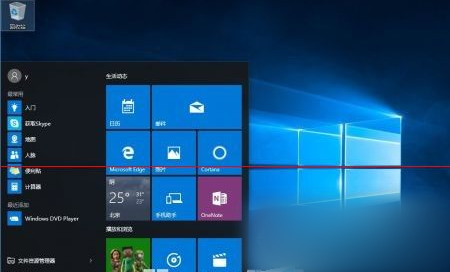
Win7/Win8.1 升級安裝 Win10 後,開始選單預設僅單欄磚貼
Windows 開機報 BOOT\BCD 錯誤?安裝媒體一鍵修復 bcdboot 指令教學