微軟推送 Build 10041,修復大量 Bug、新增功能。本文說明升級前置條件與操作步驟。
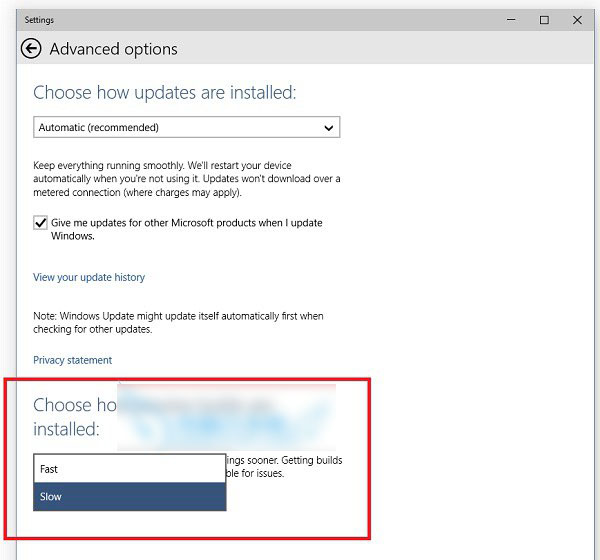
Win10 RTM 升級 C 槽空間不足解決方案:支援 USB/外接硬碟暫存
Win10 安裝中文語音包完整教學:將英文版系統漢化、啟用 Cortana 中文
Windows 10 找不到 Internet Explorer?Cortana 搜尋一鍵喚出,並可釘選至開始/工作列
Win10 Mobile 10536 照片 App 新支援動態影像:豐富捕捉編輯 + Living Images 原生播放
Win10 Mobile 10572 隱藏新功能:應用程式商店下載進度條回歸,列表中即時顯示進度
Windows 10 離線狀態無法使用 PIN 碼登入?先用密碼登入再鎖定螢幕啟用離線 PIN 權限
Win10 Mobile/PC RS2 Build 14926 同步推送:快速通道 Insider 會員可更新、版本號 14926.1000、工程工具更新後首個預覽版