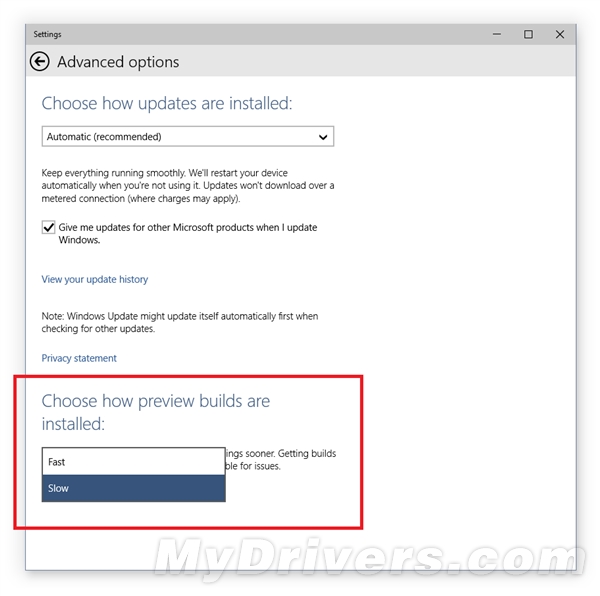
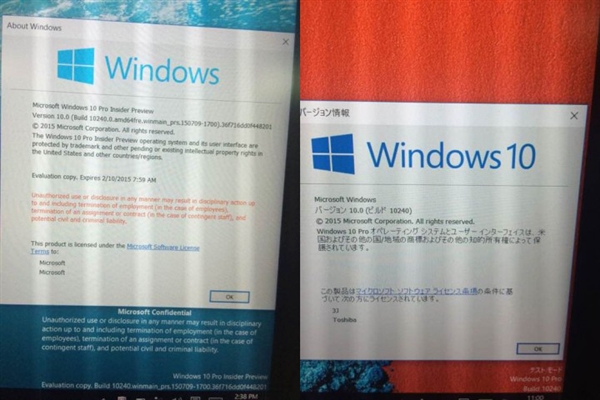
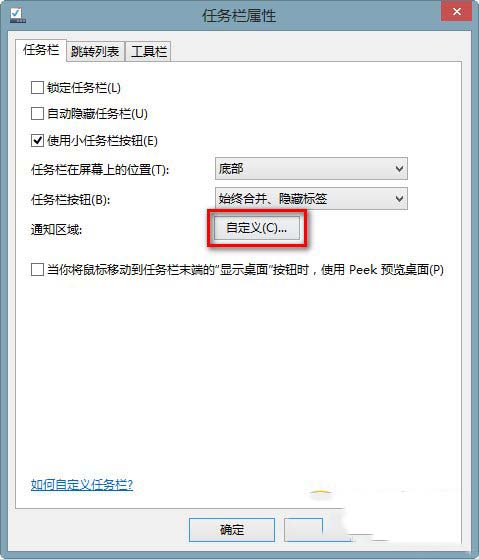
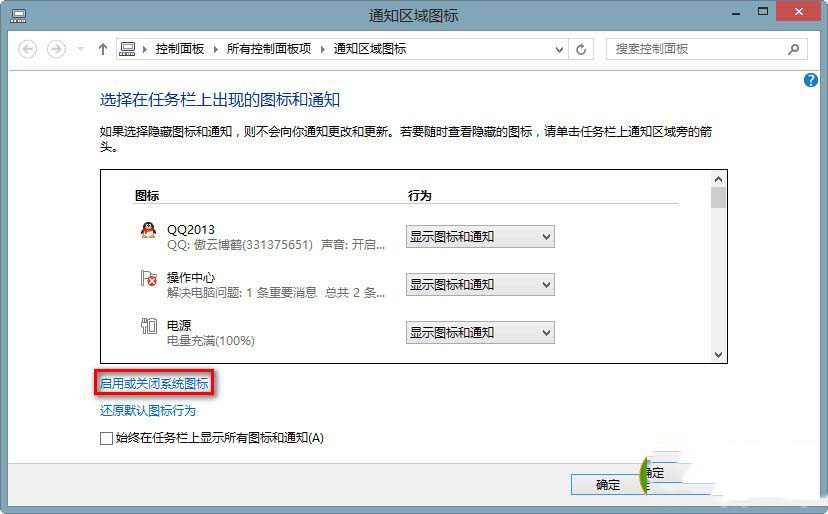
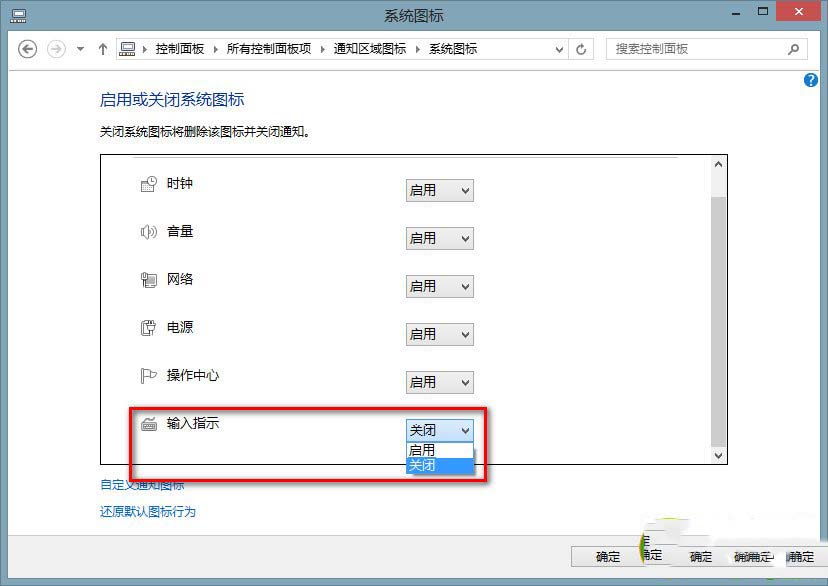
Win8.1 工作列輸入法圖示不見,且 Win + Space 無法切換。解法:工作列屬性 → 自訂通知區域圖示 → 開啟/關閉系統圖示 → 將「輸入指示器」設為「開啟」。

檢查 C:\Windows\System32\LogFiles 是否有 Scm 資料夾,無則手動建立並重開機。

此問題常因系統更新或第三方工具誤關閉系統圖示導致。
Win7 無法存取區域網路提示 0x80070035「找不到網路路徑」?新增 Microsoft 網路用戶端即可解決
Win7 提示「此 Windows 副本不是正版」:SLMGR -REARM 延長授權或 OEM 激活工具永久激活
Win10 內建指令建立 Wi-Fi 熱點:netsh wlan hostednetwork 完整教學(含網際網路共用設定)
Win7 設定「最佳效能模式」:關閉視覺特效緩解系統卡頓、釋放資源給核心應用
微軟推出 Win10 企業級安全新功能:Device Guard(裝置防護)