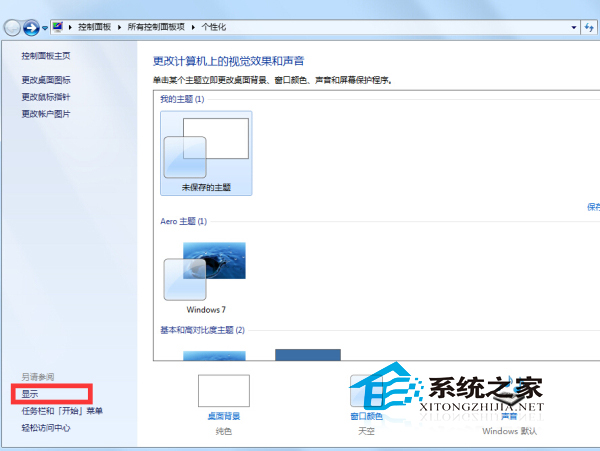
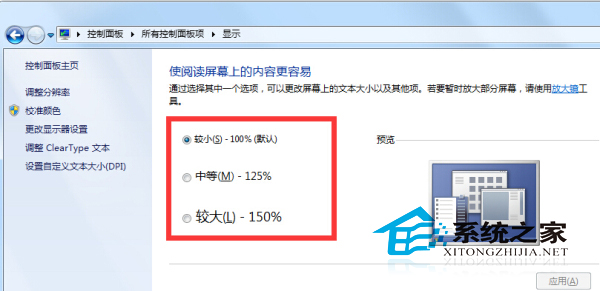
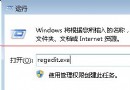
Windows 7 旗艦版預設字體過小,調整縮放比例:
簡單三步驟,長輩上網看得清楚。
Windows 8 傳統桌面建立「所有應用」捷徑:一鍵存取 Metro 應用清單
Windows XP 必會執行指令精選:從 gpedit.msc 到 sfc /scannow
Windows 10 Build 9879 內建媒體播放器原生支援 FLAC 無損音訊播放
Win10 登錄備份與還原完整教學,修改前必備技能
Windows 8 取消開機密碼自動登入設定教學 (netplwiz)
Win10 週年更新 (1607) 正式版內容完整詳解:Xbox One 同步更新、Cortana 登陸、背景音樂、統一商店、遊戲合集頁面重設計
WinXP 建立寬帶連線時「使用者名稱和密碼」選項灰色無法選取解決法
Windows 10 Mobile 騷擾攔截與黑名單功能完整設定教學