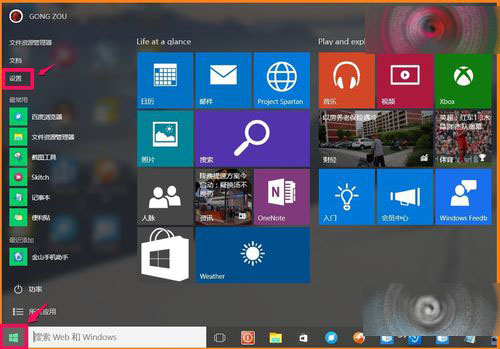
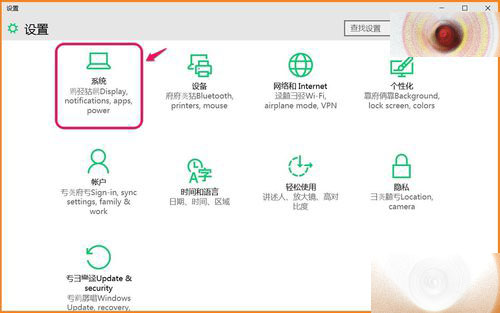
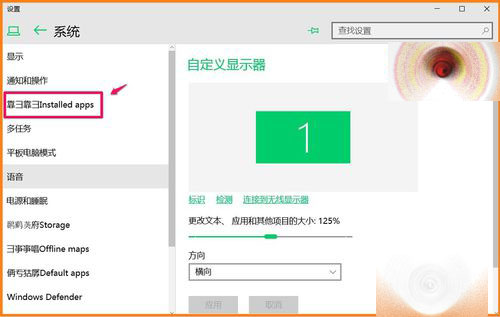
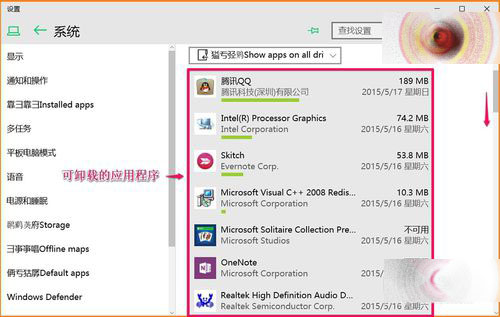
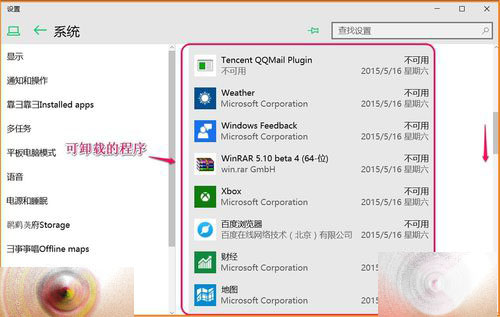
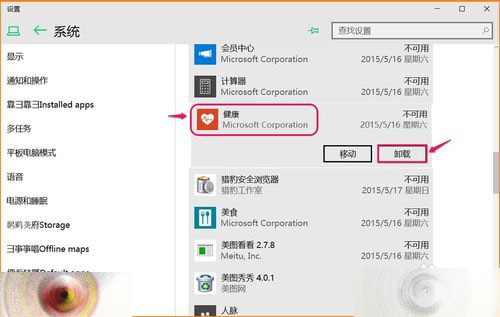
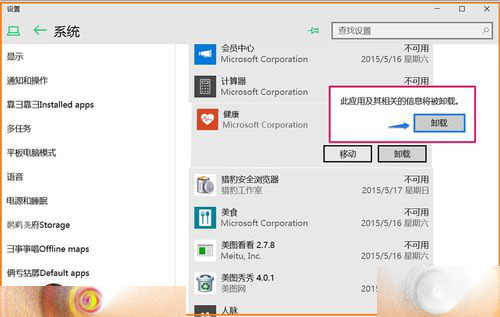
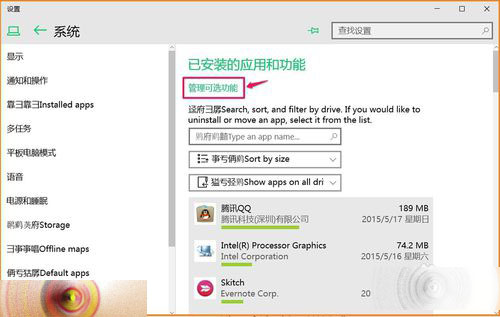
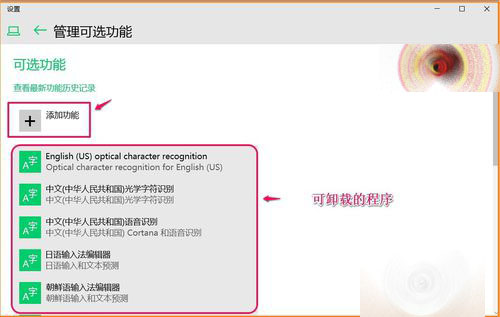
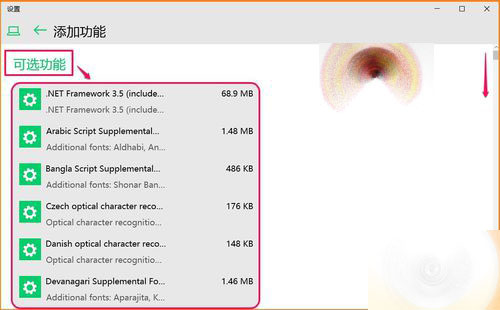
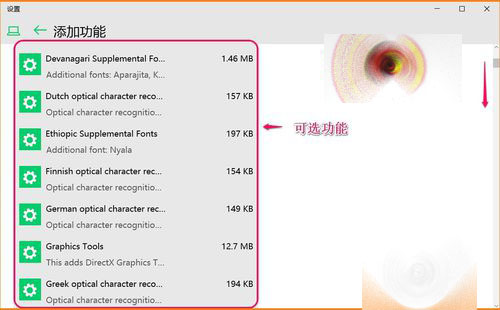
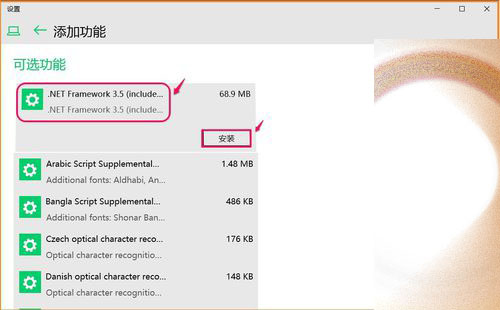
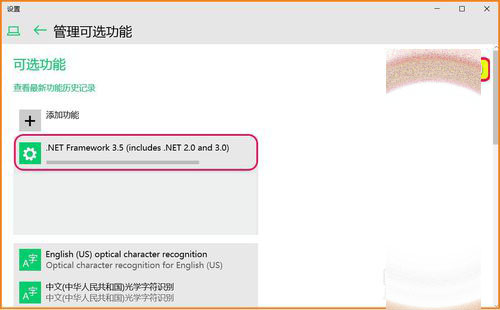
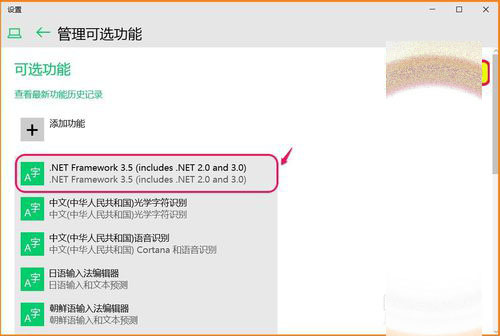
Win10 10102 協載/添加功能新入口:
新版管理介面直觀易用。
Win7 無法上網提示錯誤代碼 118?CMD 指令重設 TCP/IP 與 DNS 快速修復
Win10 Build 9888 進入消費者預覽版階段:1 月底媒體發布會揭曉
Win10 如何開啟虛擬鍵盤 (觸控鍵盤)?工作列工具列啟用教學
Win10 專業版保留 Windows 聚焦進程卻隱藏功能?微軟或為商務形象刻意限制
Win10 觸控板手勢操作技巧完整教學
微軟 2016 年根憑證信任計畫更新:移除 20 個根 CA,強化安全標準
Win10 應用程式打不開/閃退怎麼辦?PowerShell 一鍵重置所有 Modern App 修復
Windows 10 上市不到兩週推出第三款累積更新 KB3081438,體現「Windows即服務」策略