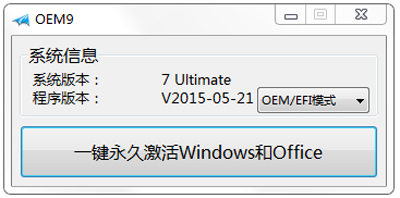
使用小馬激活工具後導致 Win7 無法開機?無需重灌,製作 PE 開機盤(USB 或光碟)引導本地硬碟啟動,進入系統後卸載激活工具即可修復。
bootrec /fixmbr、bootrec /fixboot、bcdboot C:\Windows 修復開機磁區。Windows XP 無法安裝 .NET 解決法(另版圖文):同樣停止 WuAuServ、重命名 SoftwareDistribution、註冊表權限全控
Win8.1 雙顯卡筆電跑 GTA4 閃退解法:官方可切換驅動 + 強制獨顯 + VC++/DirectX/.NET 全補齊
Windows 7無法自動更新?檢查服務啟動狀態與BITS服務三步修復
Win10 工作列透明度怎麼設定?個人化→色彩→開啟「使開始功能表、工作列、動作中心透明」
Win10 免費跨平台策略:Intel 的噩夢?ARM 陣營反攻 x86 市場
Win10 Mobile 10536 预览版越用越卡?微软确认性能回归正在修复,新版本评估中