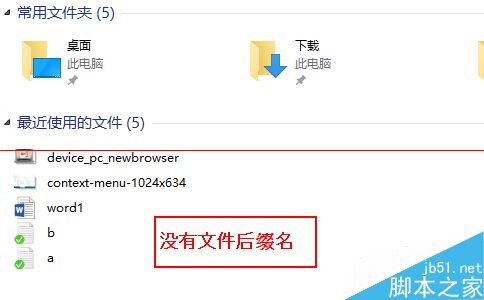
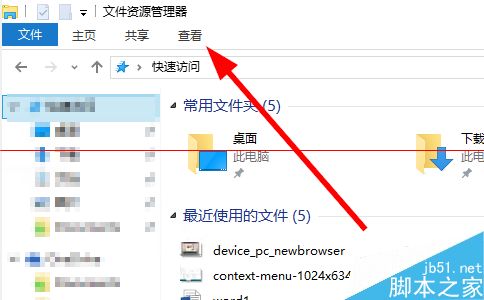
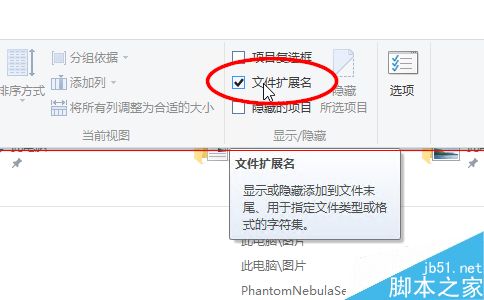
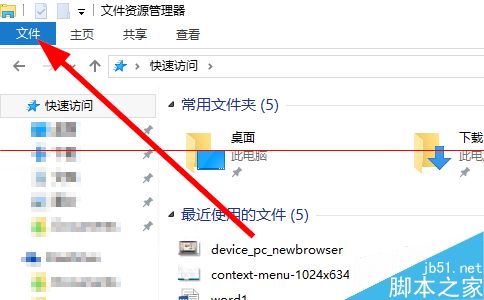
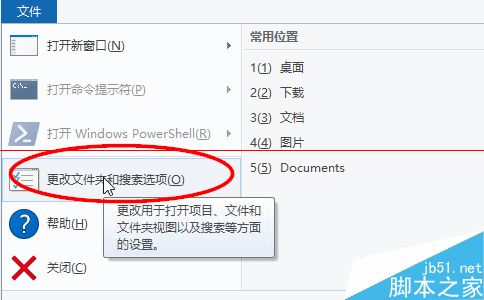
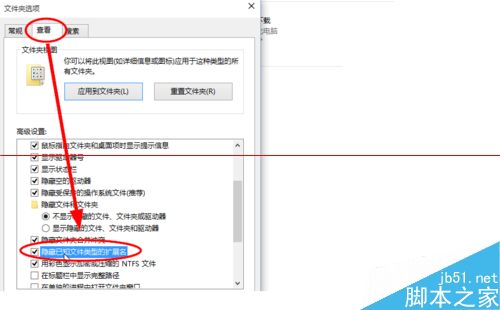
Windows 10 預設隱藏已知檔案類型副檔名,兩種方法快速顯示。
顯示副檔名有助識別檔案真實類型,防止惡意程式偽裝(如 photo.jpg.exe 僅顯示 photo.jpg),建議常態開啟。
photo.jpg.exe
photo.jpg
Win8/Win8.1 系統頻繁斷網怎麼辦?三大解決方案徹底修復網路連線問題
Win7 開機後網路圖示持續轉圈?兩大成因與解決方案
Win10 圖片檢視器全螢幕模式:F11 進入幻燈片、ESC/右鍵退出
Win10 修改 Cortana 搜尋列提示文字:註冊表自訂「有問題儘管問我」為專屬問候
Windows 10 build 10240 再推安全更新 KB3074683:修復 Bug、提升效能
Windows 7 找不到相容性標籤?群組原則還原「刪除程式相容性內容頁」設定
如何使用 U啟動 Win8PE 系統備份電腦驅動程式完整圖文教學
Win7 安裝 .NET Framework 出現 HRESULT 0xc8000222 錯誤?一招輕鬆修復