Windows XP Windows 7 Windows 2003 Windows Vista Windows 綜合教學 Linux 系統教學
Windows 10 Windows 8 Windows 2008 Windows NT Windows Server 電腦軟體教學
您现在的位置: Windows教程網 >> Windows教程 >  >> Windows 綜合教學 >> 關於 Windows

Win10 聲卡問題升級 Build 10166 後多可解決,附官方回報步驟

編輯:關於 Windows

Win10 預覽版常遇聲卡驅動導致音訊問題(如無聲音)。微軟媒體品質團隊高級工程師 John Wink 指出,大部分問題升級至 10166 後即可解決。10130-10162 期間收到大量回報,相信 10166 能修復大多數音訊問題。
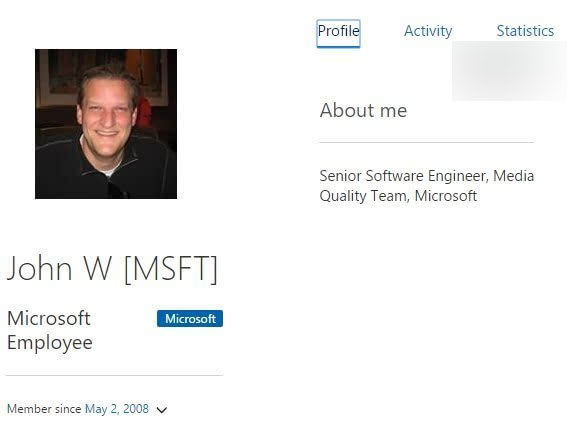
微軟仍與各聲卡廠商合作解決驅動問題,專用驅動推出前,微軟會在現有驅動基礎改進或推薦內建高解析音訊驅動。

若升級 10166 並更新驅動仍有問題,請按下列步驟回報:

  1. Cortana 搜尋 DxDiag.exe(DirectX 診斷工具)並執行。
  2. 切換至「聲音」分頁,點擊「儲存所有資訊」。
  3. 將儲存檔案與問題描述寄至 mediaq@Microsoft.com。

John Wink 另提醒:從舊版(Win7/8.1/早期預覽版)大版本跨度升級至 10166 的用戶,若保留舊鏡像,請嘗試重現問題,微軟極需了解此類升級情境。

Copyright © Windows教程網 All Rights Reserved