本文介紹 Windows 10 中開啟應用商店的四種方法:
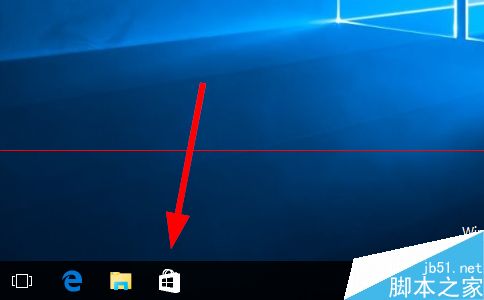
方法一:任務列圖示 預設釘選在任務列,若無請見方法三。
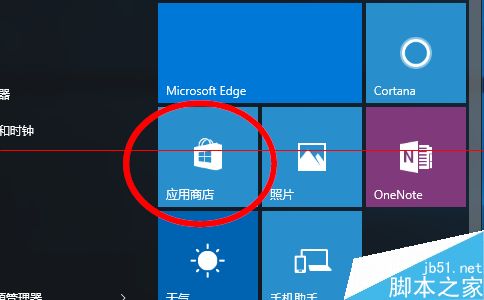
方法二:開始選單磚塊 點「開始」找磚塊,若無見方法三。
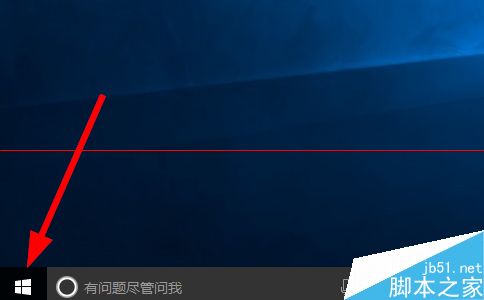
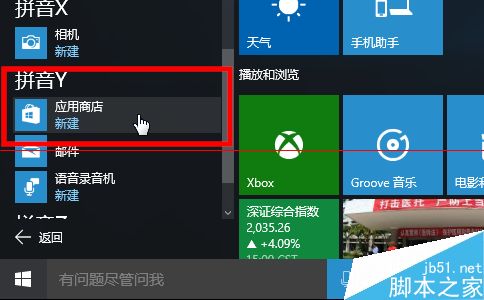
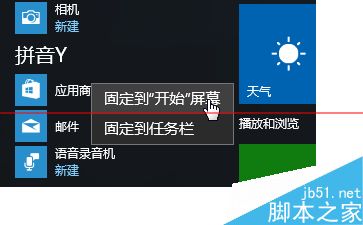
方法三:所有應用清單 「開始」→「所有應用」→「應用商店」,可右鍵釘選至任務列或開始選單。
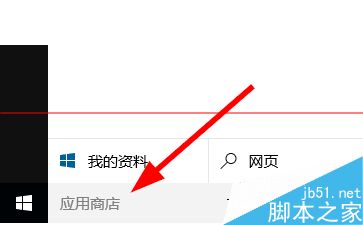
方法四:Cortana 搜尋 在搜尋框輸入「應用商店」。
Win10 Mobile 安裝 Android APK 應用程式不支援功能彙總 (Project Astoria 限制)
Windows 8 HP 筆電建立「儲存空間」:控制台建立儲存池 → 選擇恢復類型 (簡單/雙向鏡像/三向鏡像/奇偶校驗) → 需符合最少硬碟數量
Win10「應用程式與功能」卸載鈕灰色無法移除內建 App?PowerShell 指令碼批次強制卸載
Win10 累積更新 KB3116908 安裝失敗終極解決:刪除 SoftwareDistribution 下載緩存文件夾重試
Windows 8.1 無法安裝最新版微軟必應輸入法?命令列靜默安裝破解限制
Windows 10 螢幕鍵盤啟用完整教學:鍵盤故障時的最佳應急輸入法