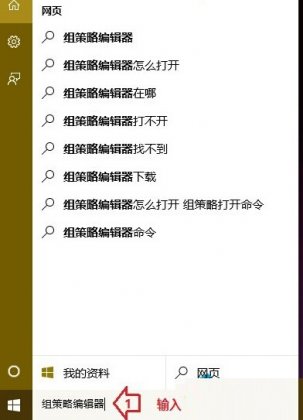
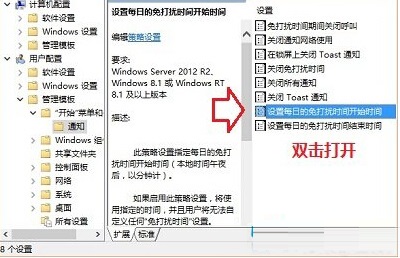
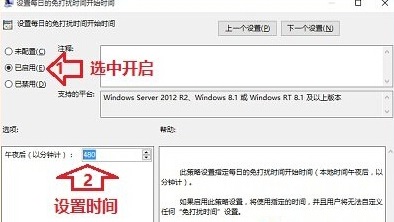
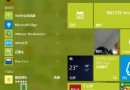
Windows 10 系統推送通知頻繁,可透過群組原則設定每日免打擾時段:
若需取消,將狀態還原為「未設定」或「已停用」即可。
WinXP 無法玩網頁遊戲?用 360 安全衛士一鍵修復教學
Windows 7 刪除註冊表項目出錯怎麼辦?取得所有權與完整控制權限修復
Win7 系統安裝軟件或遊戲提示「文件無法寫入」的故障分析與解決方法
Win8 提示「無效的產品金鑰」錯誤碼 0x80070424?匯入登錄檔重建 Software Protection 服務修復授權
Windows 8 快速開啟「電腦管理」/ 管理工具:運行指令一鍵直達
Win7 電腦頻繁自動重開機?九大常見原因與排查對策
Windows 10 Build 10130 Slow Ring 版 ISO 鏡像即將釋出
Windows 8.1 安裝 NVIDIA 顯卡驅動失敗?徹底清理殘留並啟用關鍵服務解決