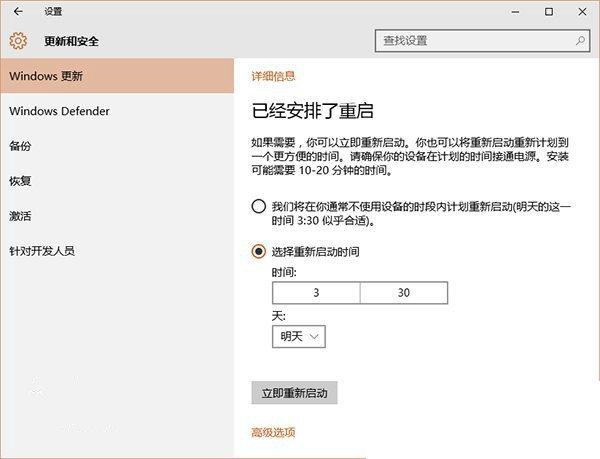
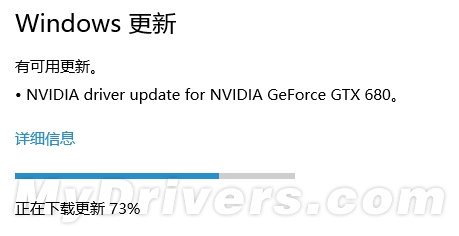
Windows Insider 内测用户升级正式版极其简单:
注意:
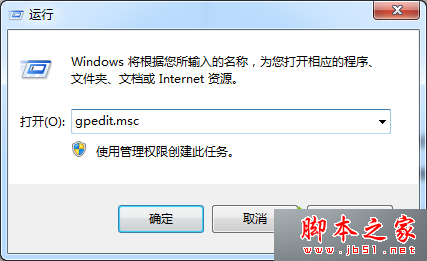
徹底關閉 Windows 7/8.1 自動升級 Windows 10 的三種方法
Windows 10 四大版本功能差異完整對比:家庭版、專業版、企業版、教育版
如何用百度升級 Windows 10 正式版?搜尋關鍵字即得入口
Windows 7 透過登錄檔修改 DefaultTTL 加速網頁載入
Windows 10 右側邊欄不見了?Win+C 呼叫 Charms 列
如何列印、開啟「列印到檔案」產生的 .prn 檔案
Win10 Mobile 10512 慢速版不再推送:微軟因網路共用 Bug 尋找下一候選版本
Windows Server 2008 關閉虛擬內存刪除 pagefile.sys 完整教程