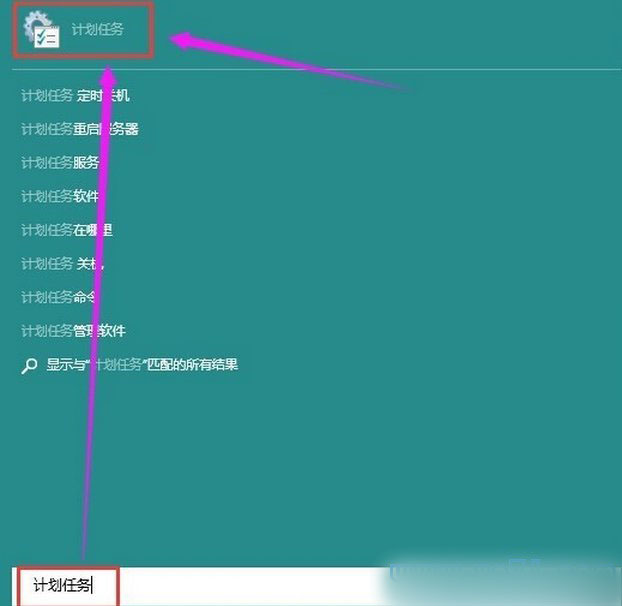
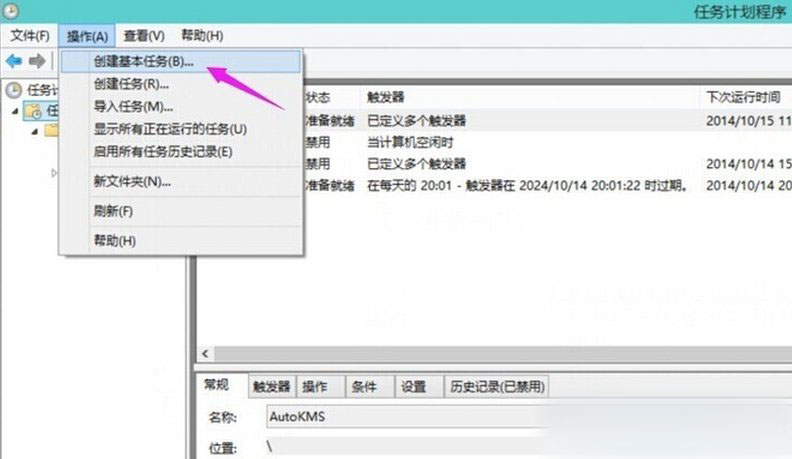
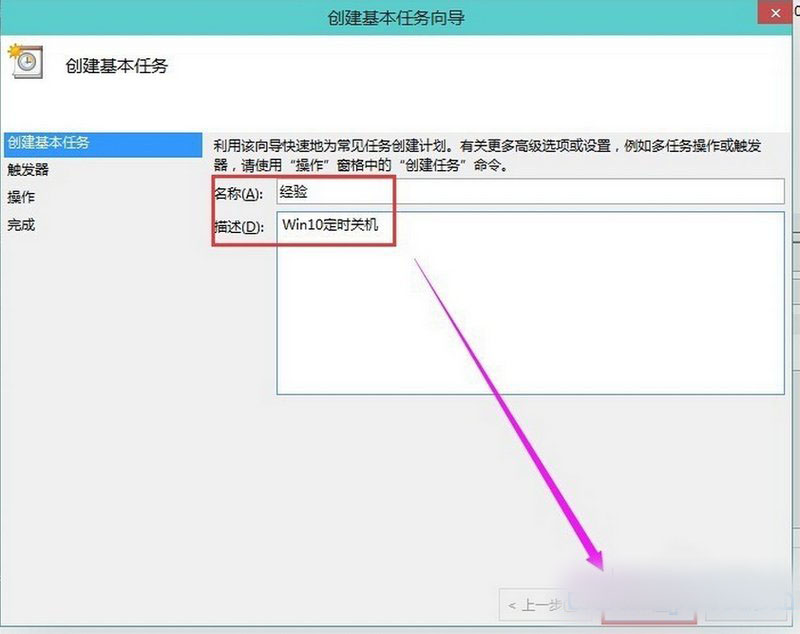
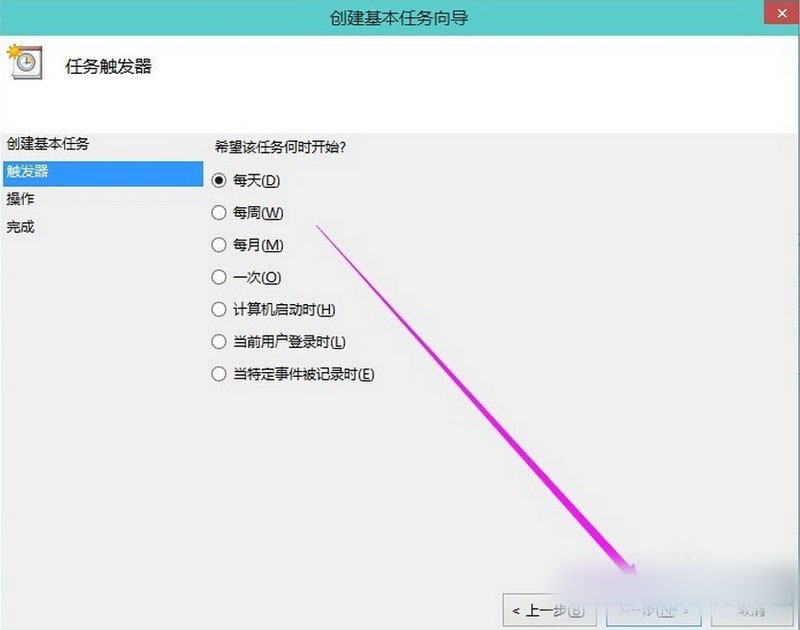
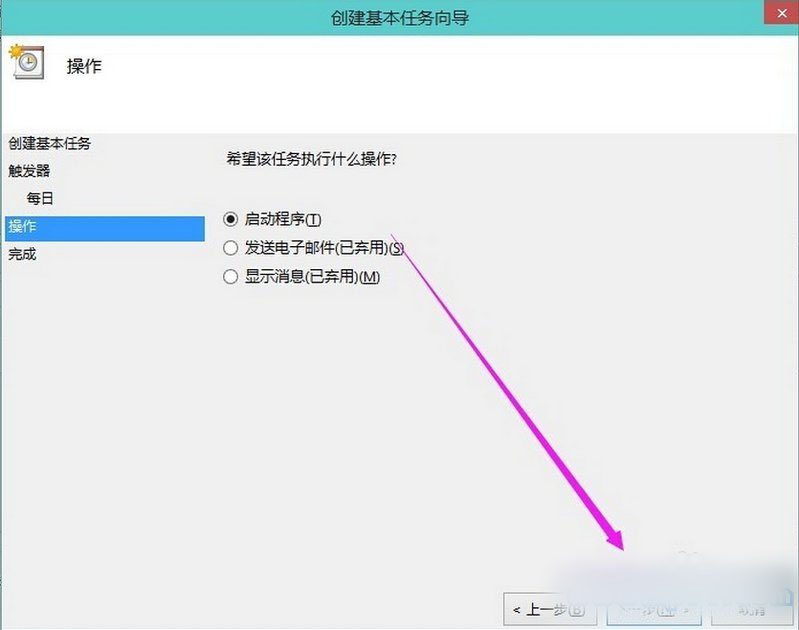
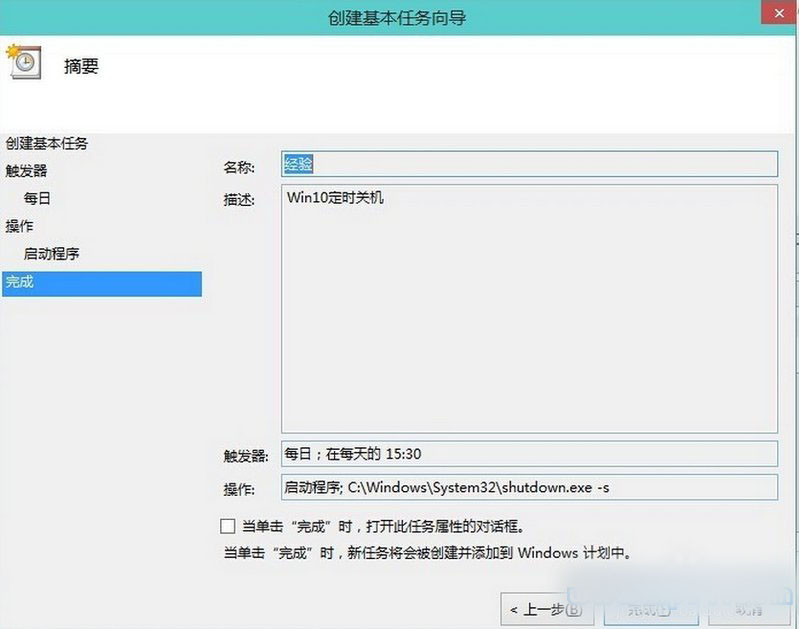
Win10 定時關機怎麼設?健忘者可設定自動關機,下班直接走人不必擔心。用「工作排程器」建立任務執行關機程式即可。
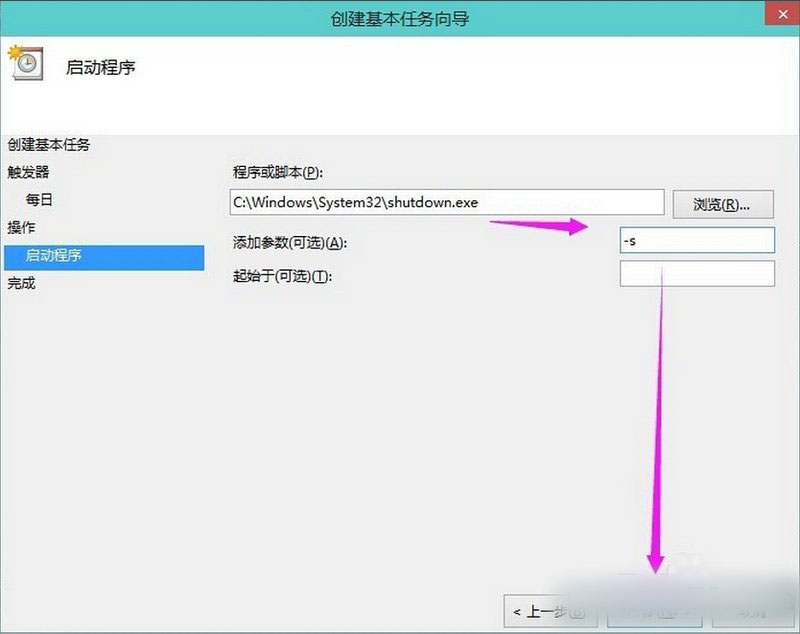
C:\Windows\System32\shutdown.exe
-s
時間到會提示隨後自動關機。
微軟推送 Win10 Build 10162 Slow Ring 版,與 Fast Ring 內容完全一致
Windows 10 Build 10130 預覽版支援 Modern App 多實例同時執行 (目前僅計算機支援)
Surface 使用者暫緩升級 Win10 Build 14279:嚴重凍結螢幕 Bug 待修復
Win10 10122 升級卡 18% 失敗?官方修復命令一鍵解決
Windows Insider 計劃不停止註冊:7 月 29 日正式版發布後仍接受新成員
Windows 7 IE 隱私權限與彈出視窗封鎖等級設定
Win10 睡眠模式下繼續下載檔案 「離開模式」註冊表設定教學
Win8.1 官方正版電話啟動免費授權教學:替換金鑰、撥打微軟熱線、輸入安裝 ID