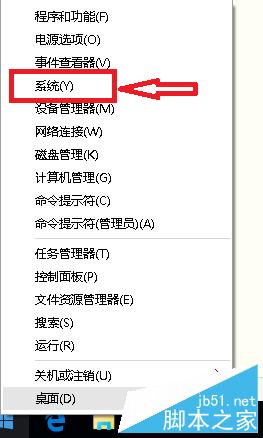
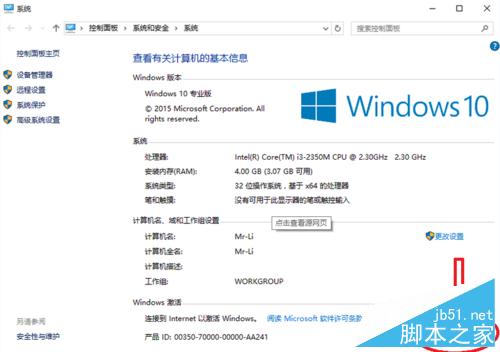
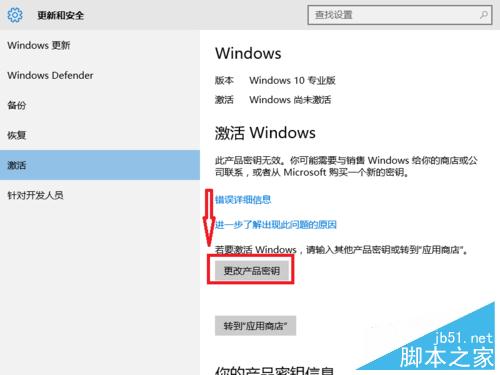
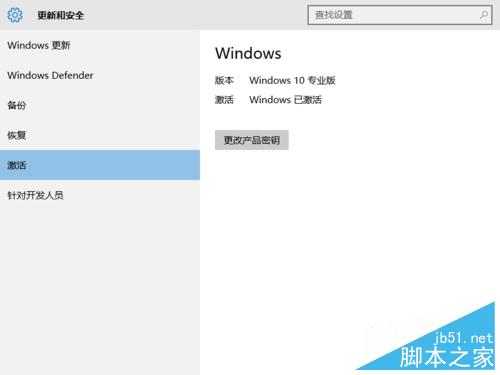
Windows 10 正式版釋出,激活是用戶關注焦點。未激活可能導致系統卡頓、功能受限。以下提供官方金鑰激活與 KMS 工具備案。
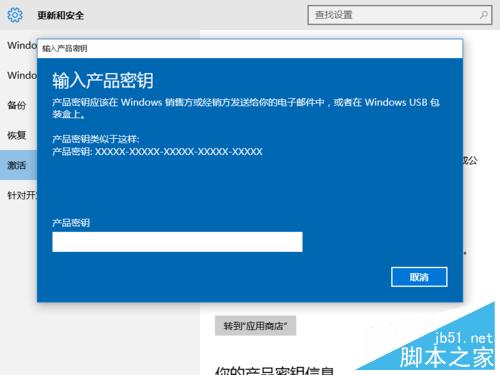
VK7JG-NPHTM-C97JM-9MPGT-3V66T
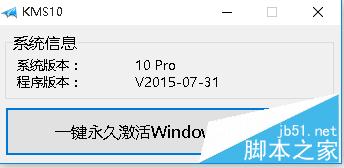
若官方金鑰無法激活,可嘗試「小馬 KMS8」工具(綠色版,支援一鍵激活)。
若有最新激活方式將持續更新。相關閱讀:全新安裝並激活 Win10 教學、查詢 Win10 激活狀態。
Win10 查詢 DNS 伺服器位址兩大法:CMD 指令與圖形介面完整教學
Win10 Edge 瀏覽器無法喚起阿里旺旺?兩招輕鬆解決
升級必死!非支援 WP 手機切勿強刷 Win10 Mobile 10536
Windows 8 應用商店安裝路徑無法更改?登錄修改法自訂安裝目錄(需取得權限)
Win10 善用事件檢視器 排查系統問題找出錯誤根因
Win10 內建流量統計:像手機一樣監控 Wi-Fi/乙太網路用量、追蹤偷跑流量的 App
Windows 10 正式版核心應用迎來新一輪更新:修復 Bug 為主
WP8 手機只有 4GB 儲存空間能升級 Win10 Mobile(需 5GB)嗎?需外接 microSD 卡方可升級