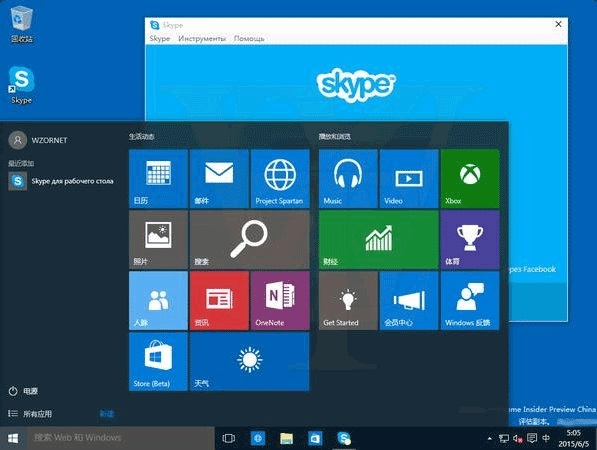
升級 Win10 後 Genymotion 無法開啟,解決方法:調整 VirtualBox 僅主機網路設定。
VirtualBox → VirtualBox.exe 以管理員執行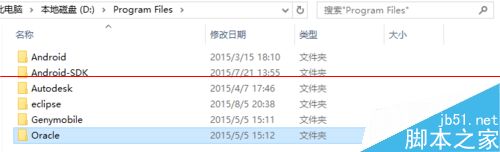
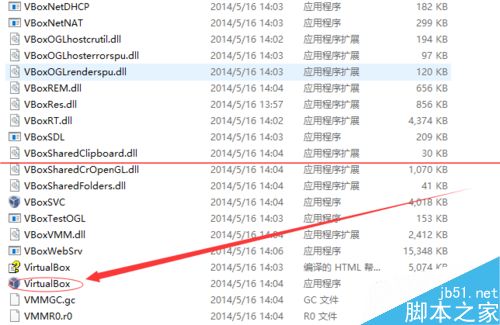
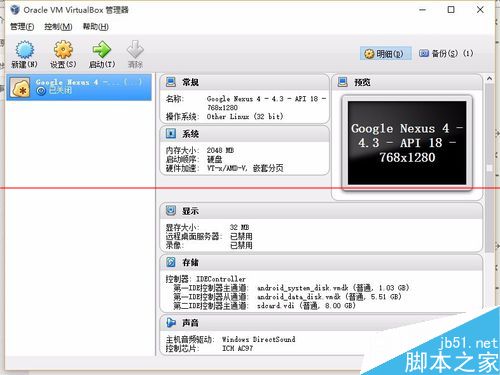
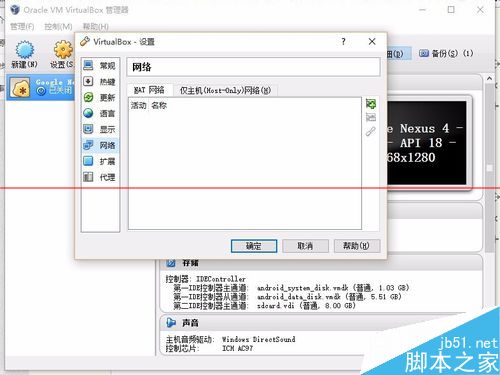
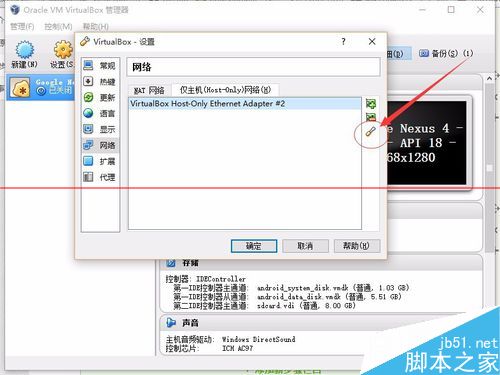
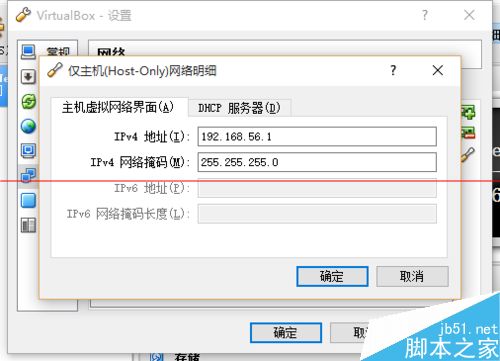
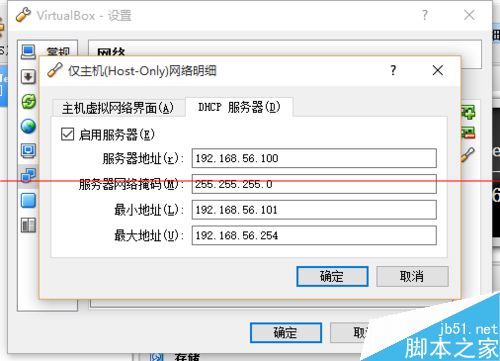
設定完成後重新開啟 Genymotion 即可正常使用。
Windows 10 新增英文輸入法教學:設定→時間與語言→新增語言→選擇英文變體(美式/英式/加拿大等)
Windows Update 錯誤 8024402F 解決方案:清除快取重置更新服務
修改 Windows 遠端桌面預設連接埠 3389:登錄雙機碼同步修改教學
Win7 登入後黑屏僅滑鼠游標:explorer.exe 掛掉/註冊錯誤,任務管理員重啟與登錄修復雙方案
Win10 如何設定靜態 IP 位址?完整圖文教學與三種查看 IP 方法
Windows說明與支援無法開啟?從正常電腦複製C:\Windows\help資料夾修復