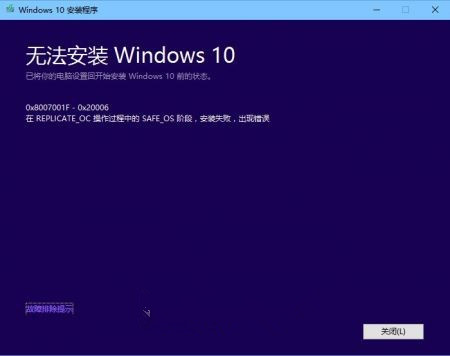
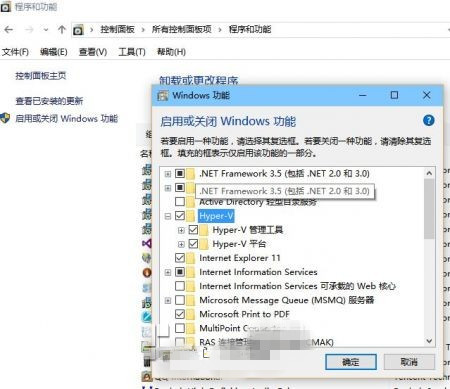
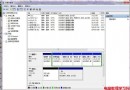
8 月 28 日微軟向 Insider 快速通道推送 Build 10532,但不少開發者遭遇錯誤碼 0x8007001F-0x20006 導致升級失敗並自動回滾。實測發現,主因在於 Hyper-V 新舊版本衝突(尤其安裝過 VMware Player 12 或啟用 Hyper-V 的環境)。
0x8007001F-0x20006
解決方法:
若仍有問題,建議同時移除 VMware 等虛擬化軟體後再嘗試升級。
Windows 10 程式關不掉怎麼辦?任務管理員強制關閉應用程式教學
Windows 8 開啟系統還原四大管道:rstrui.exe、msconfig、說明支援、開始畫面完整路徑
Win7 如何顯示隱藏檔案與受保護系統檔案:資料夾選項完整設定圖解
Win8 快速還原資源回收筒所有檔案 一鍵完成
關閉 Windows 7 閒置 IDE 通道加快開機速度
升級 Win10 後 EDIUS 6 不兼容?協載舊版 → 安裝 QuickTime → 裝 EDIUS 7.5 專業版
Win8 安裝 .NET Framework 4.6 失敗?直接啟用 Windows 功能即可
Win10 正式版漏洞频出:开始菜单快捷方式超 512 个导致崩溃,微软紧急修复中