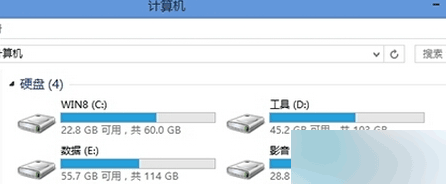
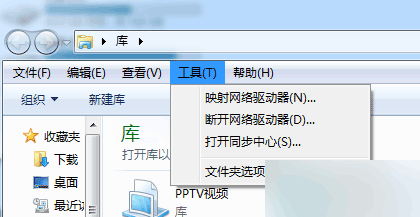
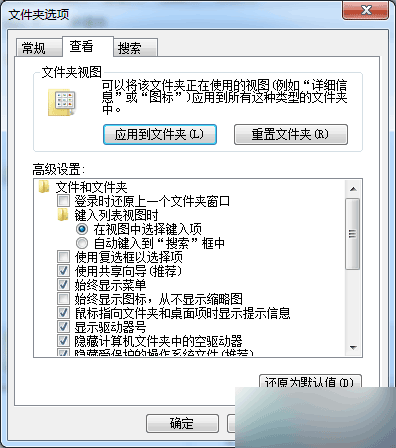
修改磁盤標籤前需清理隱藏的系統保留文件夾,操作需謹慎。
Win10 自訂鎖定畫面圖片:設定→裝置→鎖定畫面→瀏覽上傳
Win7 蓝屏 Win32k.sys 错误排查:安全模式验证 → 干净启动定位第三方冲突 → 回溯近期变更 → sfc/scannow 修复系统文件
Windows 8 IE10 閃退問題:重設預設瀏覽器或檢查安全軟體鎖定
WPS 文字橫向列印設定雙法:傳統選單與新版功能區
Win10 10158 簡體中文專業版 64位 ISO 鏡像下載(內建軟媒魔方優化工具)
為何推薦 Win7 64位旗艦版:硬體配置與系統選擇完整指南
Windows 系統 C 槽資料夾功能詳解:哪些能刪、哪些不能動?
Win7 防火牆關閉命令列教程:netsh 指令快速啟用/停用(重複內容精簡版)