Win8 應用商店下載應用時彈出錯誤代碼 0x80080206,通常因 Windows Update 服務異常或快取資料損毀導致。透過停用服務、重命名快取資料夾、重啟服務三步驟即可修復。
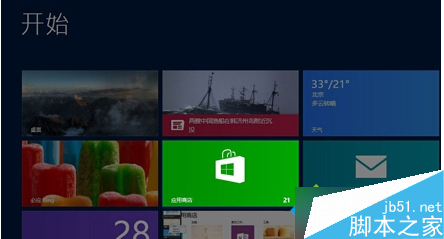
services.msc 開啟服務管理員。C:\Windows\SoftwareDistribution,將資料夾重命名為 SoftwareDistribution_Old。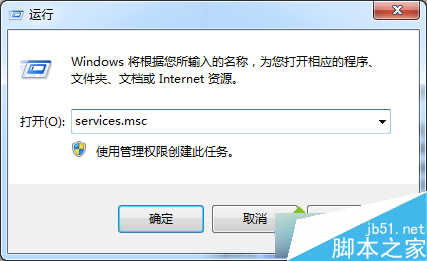
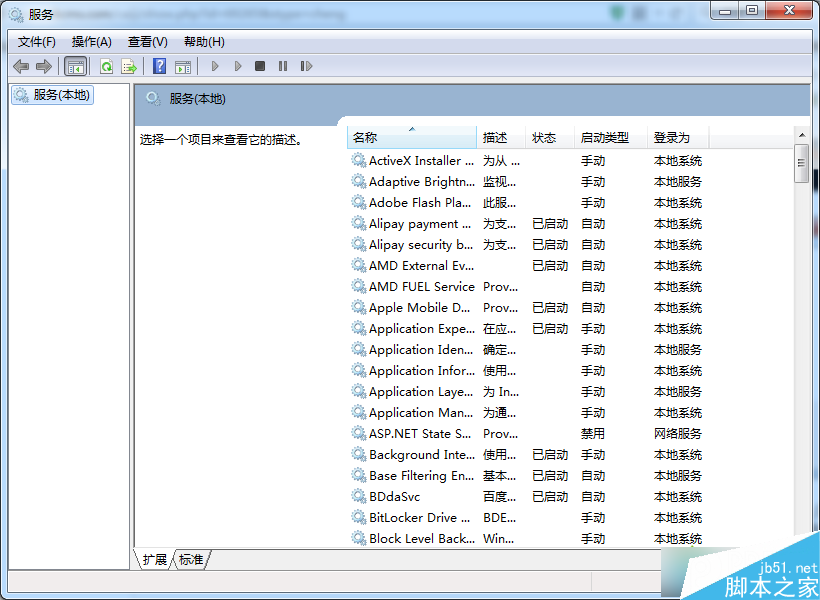
操作完成後重新開啟應用商店,下載功能即可恢復正常。此法同樣適用於 Win8.1 系統。
Windows 7 純色桌面背景導致開機延遲 30 秒的 Bug 與解決方案
Win8.1 本機帳號切換 Microsoft 帳號錯誤 0xd00000bb:360 優化導致服務停用,一鍵恢復解決
Win10 新瀏覽器「斯巴達」界面曝光,更像 Chrome/Firefox 的 Modern 風格
Win8.1 4 月更新安裝失敗(錯誤 800F0922),Win7/10 未受影響
Windows 7 建立寬頻撥號連線 (PPPoE) 完整圖文教學
Win10 安裝程式無法正常啟動?三招清理暫存檔與官方工具修復