新買筆電顯示「Windows 7 內部版本 7601,此副本不是正版」,實為未啟用。解決方法:
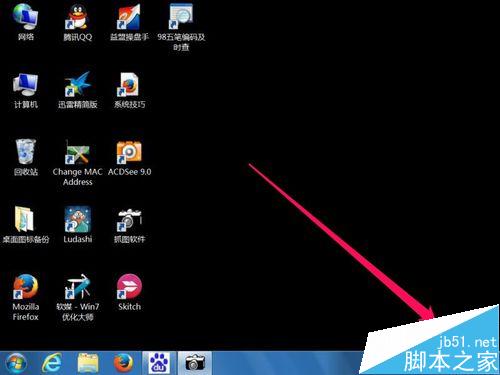
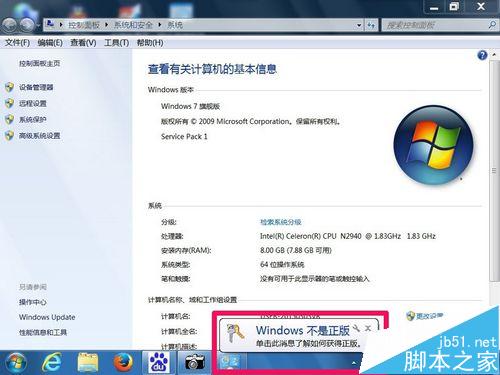
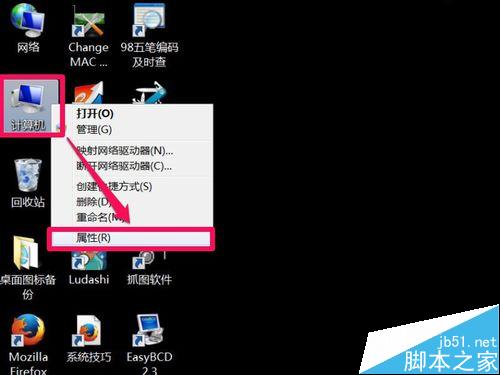
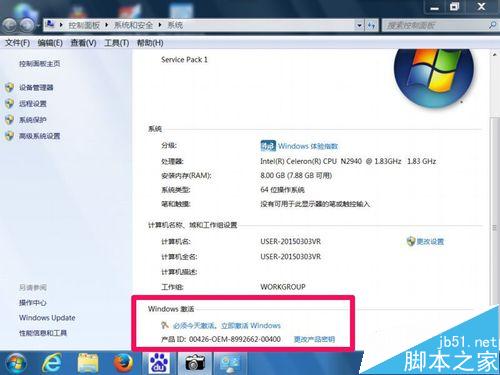
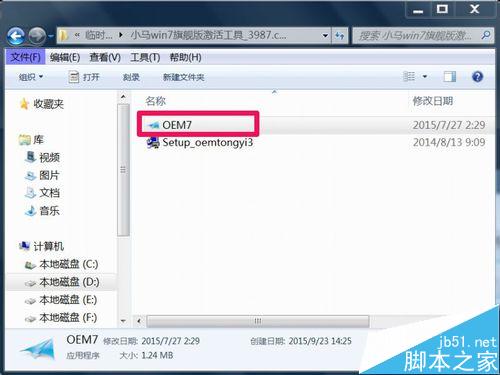
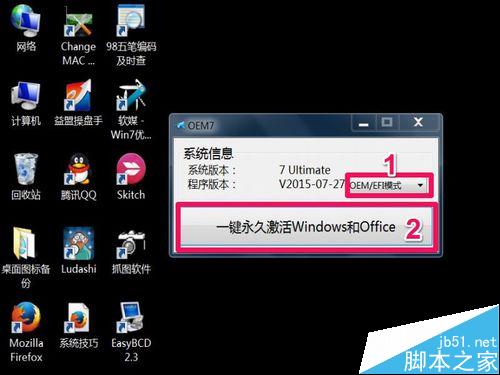
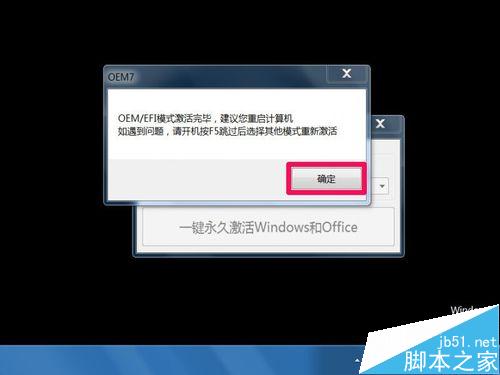
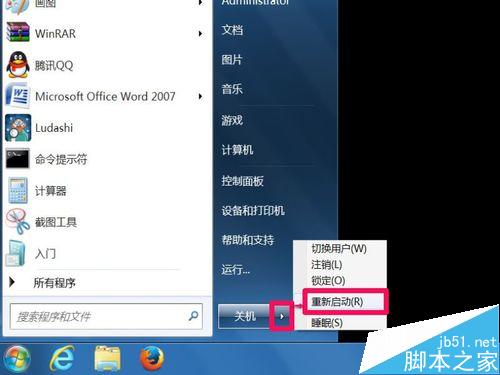
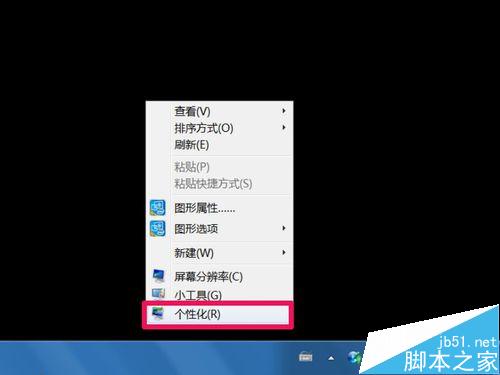
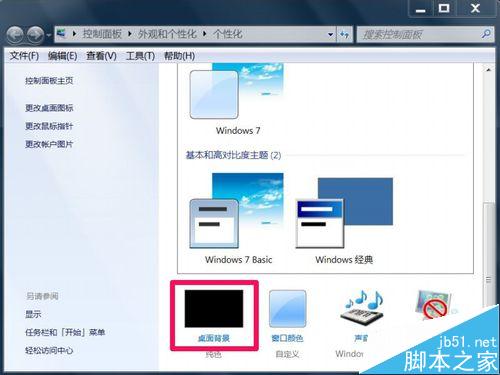
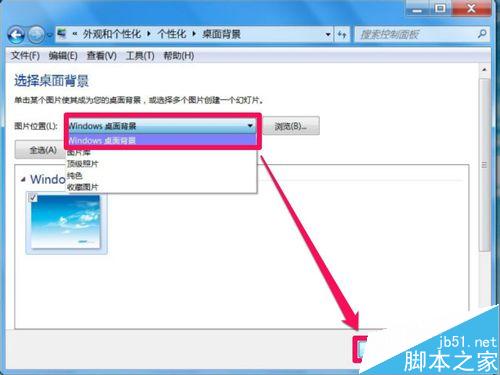
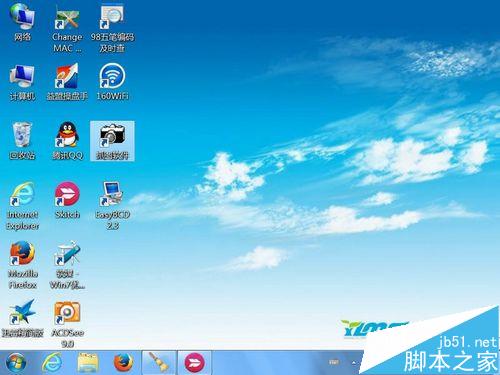
注意: 工具可能修改瀏覽器首頁為 hao123,IE/Firefox 可手動改回。若系統資訊顯示已啟用但右下角仍提示,請在 services.msc 啟用「Software Protection」與「SPP Notification Service」服務。
Windows 8.1 快速開啟飛行模式關閉所有無線通訊,登機必備操作
Windows 7 設定「關機不提示」卻仍跳出程式關閉視窗?停用排程工作解決
Win7 桌面圖示點擊無反應?重新啟動 explorer.exe 解決
Win10 Build 10041 如何啟用 Spartan 瀏覽器渲染引擎?IE11 about:flags 實驗功能開啟教學
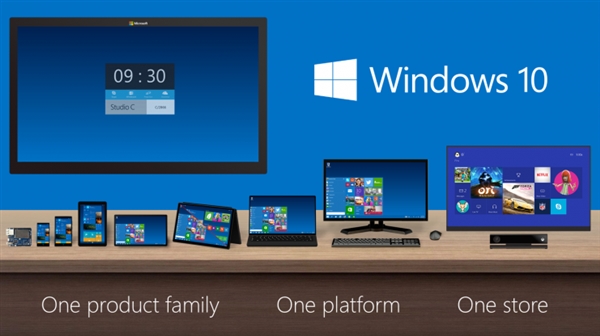
微軟公布 Win10 七版本差異:Win7/8.1 用戶首年免費升級家庭版、專業版、行動版
Win10 不斷彈出「已重設應用程式預設值」死循環?罪魁禍首 KB3135173,卸載更新即時止血
Windows 10 無法開啟/啟用 Guest 來賓帳戶?本地用戶群組與群組原則雙重解鎖教學
Win10 Build 10532 更新內容完整彙總:右鍵選單現代化、Feedback 分享、EdgeHTML/Chakra 大幅強化