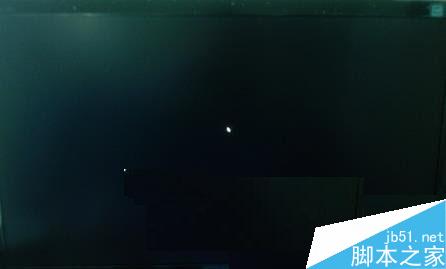
Win7 開機黑畫面僅有滑鼠解決方法:
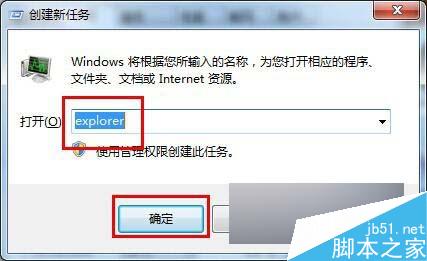
explorer
regedit
HKEY_LOCAL_MACHINE\SOFTWARE\Microsoft\Windows NT\CurrentVersion\Winlogon
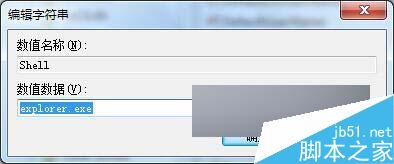
Shell
explorer.exe
此問題多因 Shell 值被惡意軟體或誤操作修改導致 explorer.exe 未啟動,修正後重開機即正常。
Windows 10 修改 hosts 檔案提示「需要系統管理員權限」完整解決教學
Win7 視窗拖到螢幕邊緣自動最大化怎麼關閉?兩種方法禁用 Aero Snap
Windows 10 Build 9926 隱藏功能:開始功能表磁貼可拖曳至桌面?(預留「移動」指令)
Windows 8 音量混合器:單獨調整各應用程式音量
這就是新 Aero?Win10 10120 洩露截圖:視窗標題列變半透明
Windows 10 Build 10154 最新預設壁紙打包下載:海邊奔跑、攀岩、銀河三款
Win10 安裝 Photoshop CC 2015 完整圖文教學:離線授權破解步驟
Windows 10 Build 10240 開發完成,將成最終正式發布版