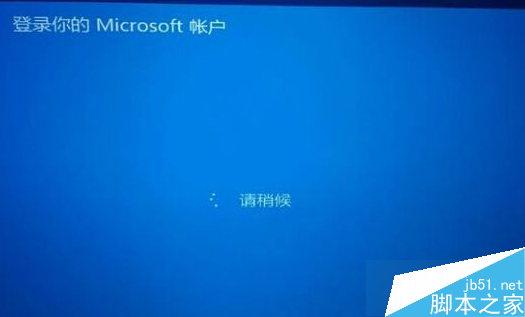
Win8.1 開機停留在「請稍候」頁面的解決方法:
sfc /scannow
以上方法可依序嘗試,通常能解決卡住無法進入桌面的問題。
Win10 正式版如何調整螢幕亮度?兩種方法:設定介面與控制台電源選項
Win7 開機後音量圖示消失無法調節音量?一鍵找回教學
Win10 內建錄螢幕功能 Game Bar 使用教學:快捷鍵、儲存位置、MP4 格式全說明
Windows 10 啟用休眠模式完整教學:睡眠與休眠差異解析
Win10 開啟區域網路連線兩種快速方法
Win7 網路正常但網頁顯示不完整?清除暫存檔與調整快取空間
Win10 截圖工具在哪?內建截圖工具與 Print Screen 快捷鍵使用教學
Win7 寬帶連線錯誤 628「連線被遠端電腦終止」解決方案:調整 PPP 驗證協定設定