Win10 環境下執行 Adobe Premiere Pro CS4(v4.21 精簡中文版)若無法啟動,主因通常是舊版設定檔相容性衝突。解決方式極簡單:刪除使用者設定資料夾即可。
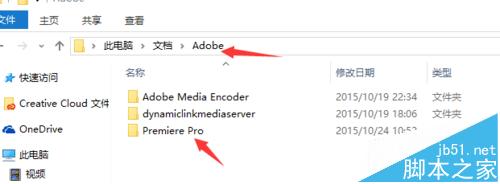
Adobe 資料夾,找到 9.0 子資料夾。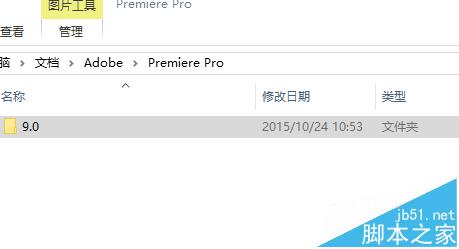
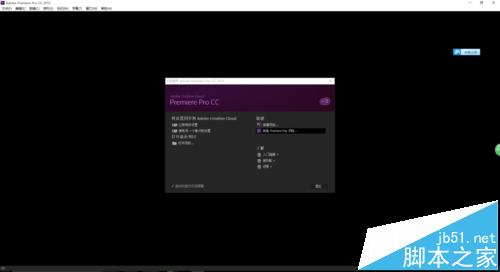
務必更新顯示卡驅動程式至最新版本,確保 GPU 加速功能正常運作,避免匯出或預覽時發生錯誤。
此法適用於多數 Adobe CS4/CS5 系列舊版軟體在 Win10 上的啟動異常問題。
Win8 360 免費 WiFi 連得上但上不了網?確認寬帶連線共用設定
所有 Win 10 用戶均可使用 Windows 回饋應用,Insider 會員享額外功能:截圖、篩選、複製問題
Win10 用 CMD 指令查詢與刪除已儲存 Wi-Fi 密碼:netsh wlan 快速上手
Windows 10 任務列圖示新增與移除完整教學:透過「通知與動作」設定自訂顯示項目
WinXP 更新顯卡驅動後花屏/畫面異常?裝置管理員「回滾驅動程式」還原舊版
Windows 8 刪除「未知帳戶」(S-1-5-21...) 完整教學:透過安全性索引標籤移除殘留 SID