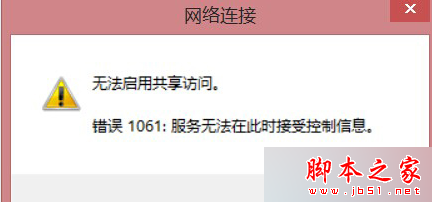
Win8 筆電建立 WiFi 熱點時彈出「無法啟用共用存取,錯誤 1061:服務無法在此時接受控制資訊」,通常由電源管理、驅動程式或惡意軟體導致。
排解步驟
- 確認電源連接:筆電請接上電源供應器,電池模式下可能限制無線網卡功能。
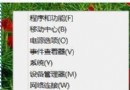
- 更新無線網卡驅動:進入「裝置管理員 > 網路介面卡」,右鍵無線網卡選擇「更新驅動程式」,或至廠商官網下載最新版本。
- 完整掃毒:前兩步無效時,建議使用 Windows Defender 或第三方防毒軟體進行完整掃描,排除惡意程式干擾。
依序嘗試上述方法,多數情況可恢復 WiFi 熱點功能。若問題持續,可嘗試重置網路設定(netsh winsock reset)或重新安裝無線網卡驅動。