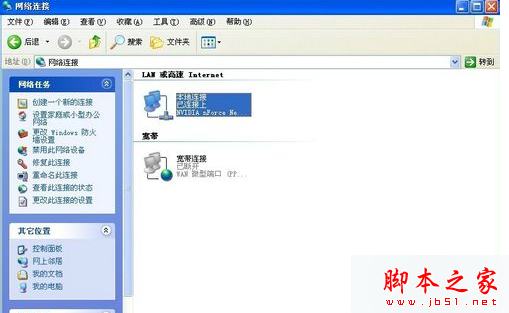
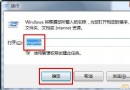
Win10 專業版開啟 gpedit.msc 時彈出「命名空間 '...' 已經被定義為存儲中另一文件的目標命名空間」,雖不影響功能但每次都需點確定。原因是 Microsoft-Windows-Geolocation-WLPAdm.admx 檔案重複定義命名空間,刪除即可修復。
C:\Windows\PolicyDefinitionsMicrosoft-Windows-Geolocation-WLPAdm.admx 並刪除(或移至回收站備份)。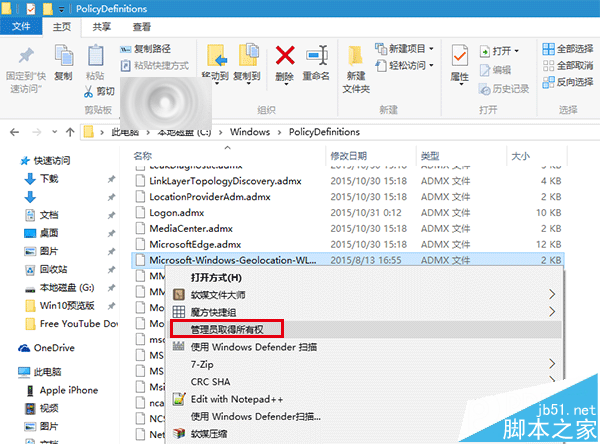
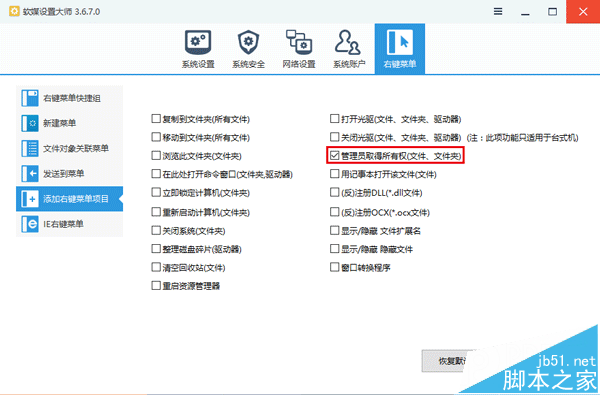
重新開啟群組原則編輯器,彈窗消失。目前未發現副作用(Geolocation 相關原則極少用)。若後續有問題,可從回收站還原該檔案。
延伸閱讀: Win10 10240 升級 10565 後群組原則出問題怎麼辦?
Win10 Build 10061 已知 Bug 彙總:Win32 應用無法從開始選單啟動、郵件重複輸入、黑畫面等
Win10 累積更新 KB3159635 釋出:將 RTM 10240 直接升級至 1511 版本
Win10 登入畫面背景圖片更換教學:PowerShell + 軟媒魔方實現自訂鎖定畫面
Win7 隱藏/移除「Microsoft Virtual WiFi Miniport Adapter」虛擬網卡
Win10 桌面顯示「這台電腦」、「網路」等系統圖示的設定教學
桌機風扇噪音大解決:清灰、上油、動平衡修正、墊鋁片減震完整維修教學