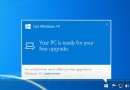
Win7/Win8.x 反覆彈出 Win10 升級提示,常規移除 KB3035583 與 GWX.exe 無效時,可嘗試:
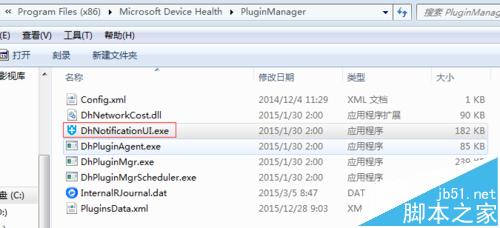
C:\Program Files (x86)\Microsoft Device Health\PluginManager,刪除 DhNotificationUI.exe。DhNotificationUI.exe,設定「唯讀」屬性。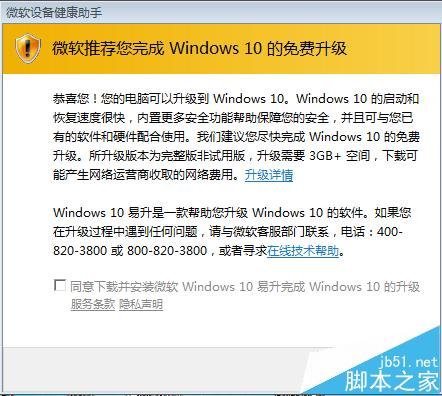
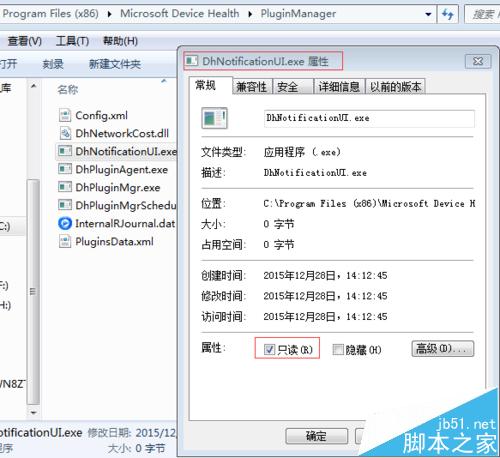
此法阻擋升級提示程式執行,徹底淨化工作列。
用 Windows 畫圖工具給圖片加浮水印:免安裝軟體、透過 Word 製作透明背景
Win7 系統未插 USB 卻顯示 USB 圖示:註冊表修正 SATA 硬碟誤判為可移除裝置
Win7 安裝金山毒霸提示「安裝引擎失敗,不支援此介面」解決方案:衝突源為 ACDSee 迷你版
Windows 手動刪除殘留服務:sc delete 指令搭配管理員權限 CMD 秒殺頑固服務
[下載] Win 10 Build 10525 自製中文 ISO 映像檔釋出,含 SHA1 校驗與安裝金鑰
想裝 Win10 預覽版但 SSD 空間不足 20GB?曲線安裝法:D 槽裝舊系統 → 格式化 C 槽 → 引導安裝 Win10 到 C 槽