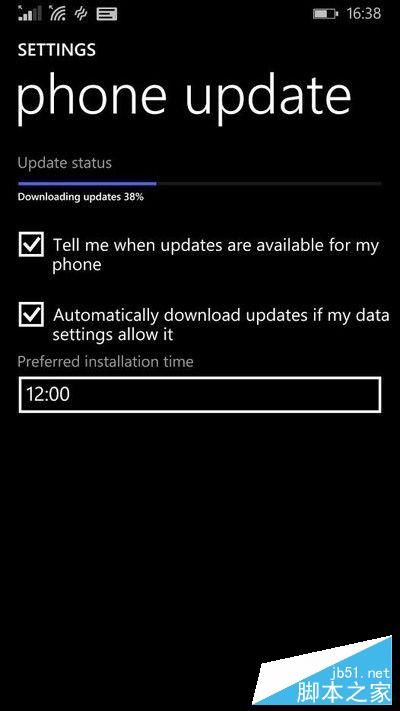
微軟向指定 WP8.1 裝置推送 Win10 Mobile 正式版 (10586.164),分兩階段:先 10586.107 再 10586.164。已升級 10586.164 預覽版者無需重複升級;Lumia 950/XL 等 Redstone 裝置顯示最新更新。
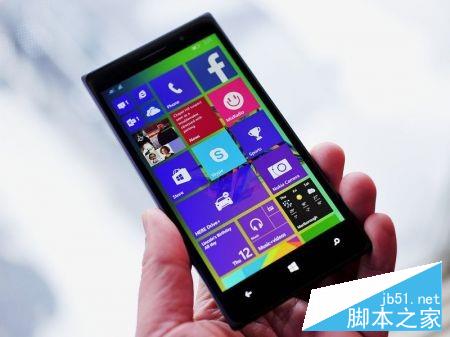
WP8.1 系統裝置。已升 10586.107 者進入「Windows 預覽體驗」App 選「Release Preview」通道即可升 10586.164 正式版。欲升 Redstone 可選 Fast 通道(目前未對這些裝置開放)。
支援機型(18 款):Lumia 1520、930、640、640 XL、730、735、830、532、535、540、635 1GB、636 1GB、638 1GB、430、435、BLU Win HD w510u、BLU Win HD LTE x150q、MCJ Madosma Q501
網址:www.microsoft.com/zh-cn/store/apps/updateadvisor/9nblggh0f5g4
開啟 App 點「下一步」檢查更新是否可用。
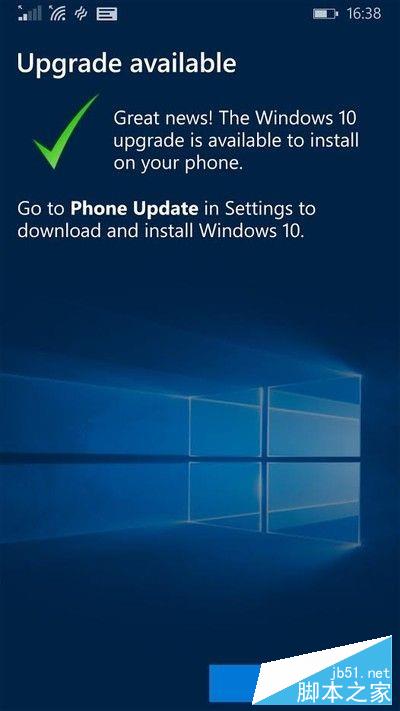
點「完成」→ 進入「設定」→ 「手機更新」→ 再次檢查 → 下載升級。