Windows 7 開始選單不再直接顯示畫圖工具,可透過「執行」指令快速開啟。
mspaint.exe → 確定。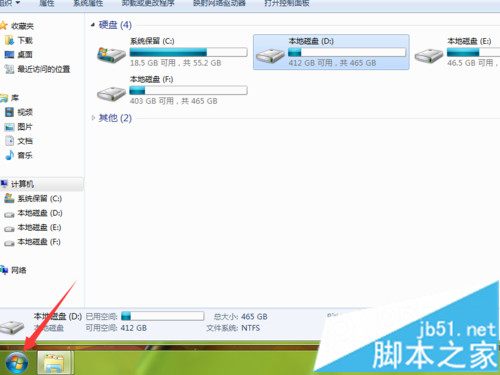
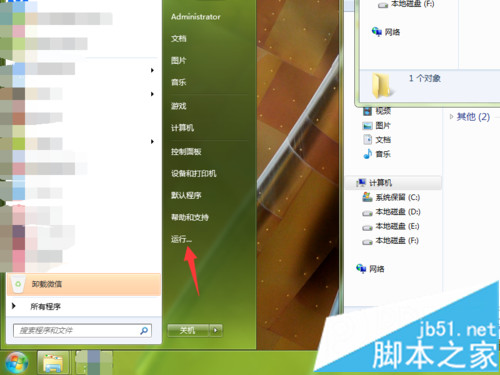
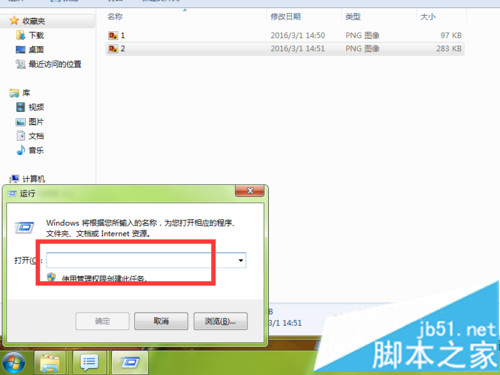
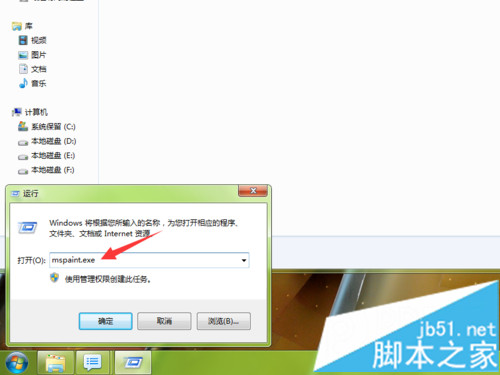
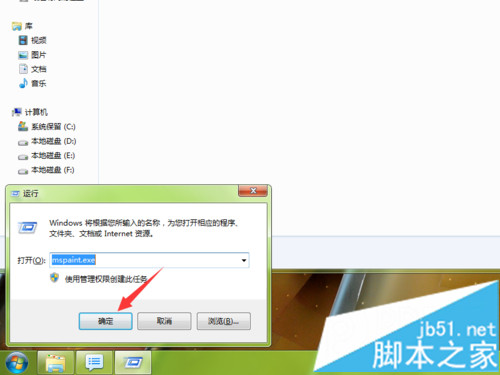
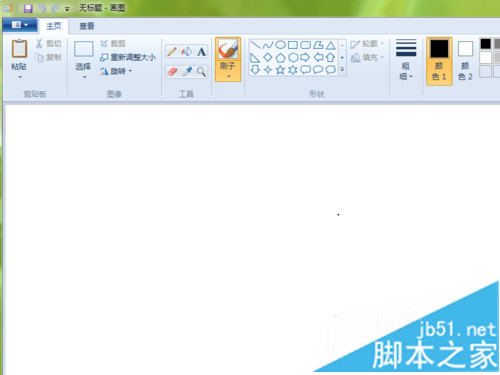
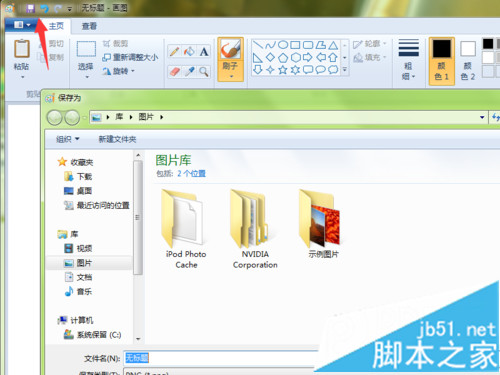
亦可將 mspaint.exe 釘選至工作列或建立桌面捷徑方便日後存取。
Win10 安裝 Office 2016 報錯 30068-4(1058)?ClickToRun 服務被禁用,啟用服務即可修復
Office 2010 重灌後啟用資訊備份還原工具激活訣竅:必須先用金鑰網路啟用失敗一次
Win10 如何安裝卡巴斯基 2015?重新命名安裝檔為 setup.exe 即可解決相容性問題
Windows 10 啟用 SQL Server 資料庫服務圖文教學
Win10 如何開啟 IE 瀏覽器?IE 11 降級為備用元件隱藏於附屬應用
Win10 查看本機 IP 位址兩大法:CMD ipconfig 與設定介面圖形化查看