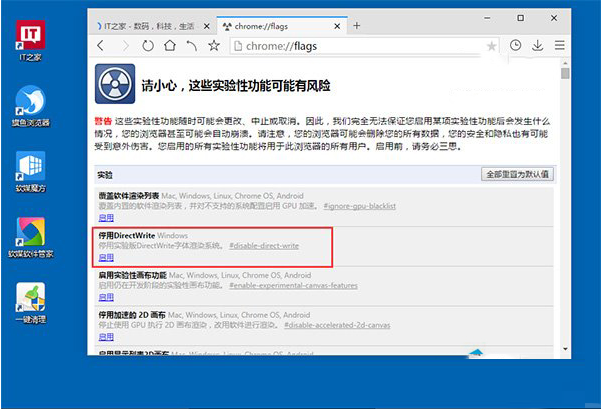
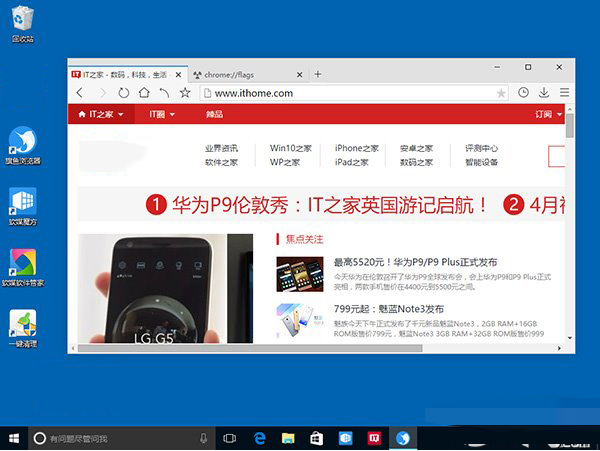
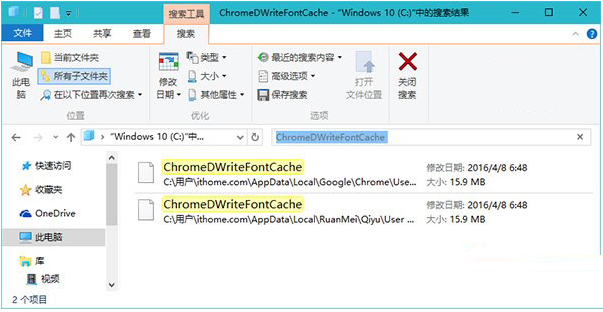
Win10 更新後 Chrome 系瀏覽器亂碼,兩法擇一:
chrome://flags/
ChromeDWriteFontCache
重新安裝瀏覽器同理可解決(本質同重建快取)。
Win8 移除內建「微軟拼音」輸入法:安裝相容 Metro 介面輸入法解鎖刪除
為 IE 瀏覽器設定密碼保護,防止兒童隨意開啟
Windows 8 玩 LOL 閃退彈出「TCLS 遇到未知錯誤」?四階段排除法快速修復
Win8 右鍵「開啟方式」出現雙重「Windows 相片檢視器」?刪除多餘 Program Files 資料夾即可
Win10 任務欄右下角 QQ/微信圖標不顯示?通知區域設置開啟圖標顯示
Win10 小尺寸平板操作示範影片:開始介面應用程式清單預設收合、磚塊放大、外接鍵鼠即變桌面電腦
Win10 修改磁碟機代號(盤符)教學:磁碟管理工具輕鬆搞定
Win8 如何取消開機動畫?系統屬性效能設定關閉動畫效果