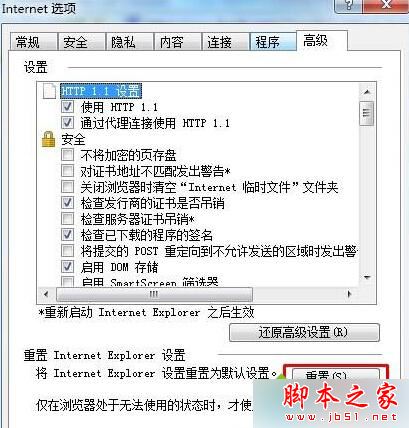
IE 瀏覽器元件(DLL)註冊損壞,或過多附加元件衝突導致 IEXPLORE.EXE 例外錯誤,彈出 SysFader 對話框。
IEXPLORE.EXE
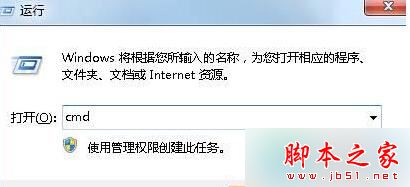
cmd
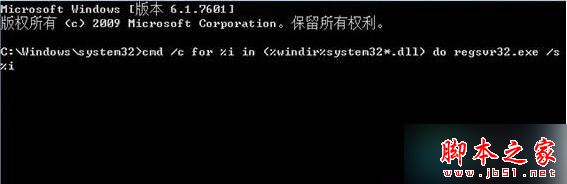
for %i in (%windir%\system32\*.dll) do regsvr32.exe /s %i
Windows 7 設定開機密碼保護帳戶安全:建立登入密碼步驟教學
Win7 無法安裝在 C 槽?C 槽非 NTFS 格式導致,convert 指令或重新分區解決
Win10 发布首日全球网络流量飙升 35%,Akamai CDN 从容应对未崩溃
Win10 開啟網路探索(自動搜尋網路裝置):設定 → 網路與網際網路 → 目前網路 → 開啟「尋找裝置與內容」
Win7 一鍵清除所有使用者 Cookie 與暫存網頁檔:批次檔自動化腳本
Win7 右鍵「電腦」→「管理」無反應?註冊表修復 Manage 命令鍵值一秒解決
Windows 10 專業版忘記登入密碼?微軟帳戶線上重設密碼完整流程
Win10 禁止系統自動更新教學:官方 wushowhide 工具隱藏特定更新